












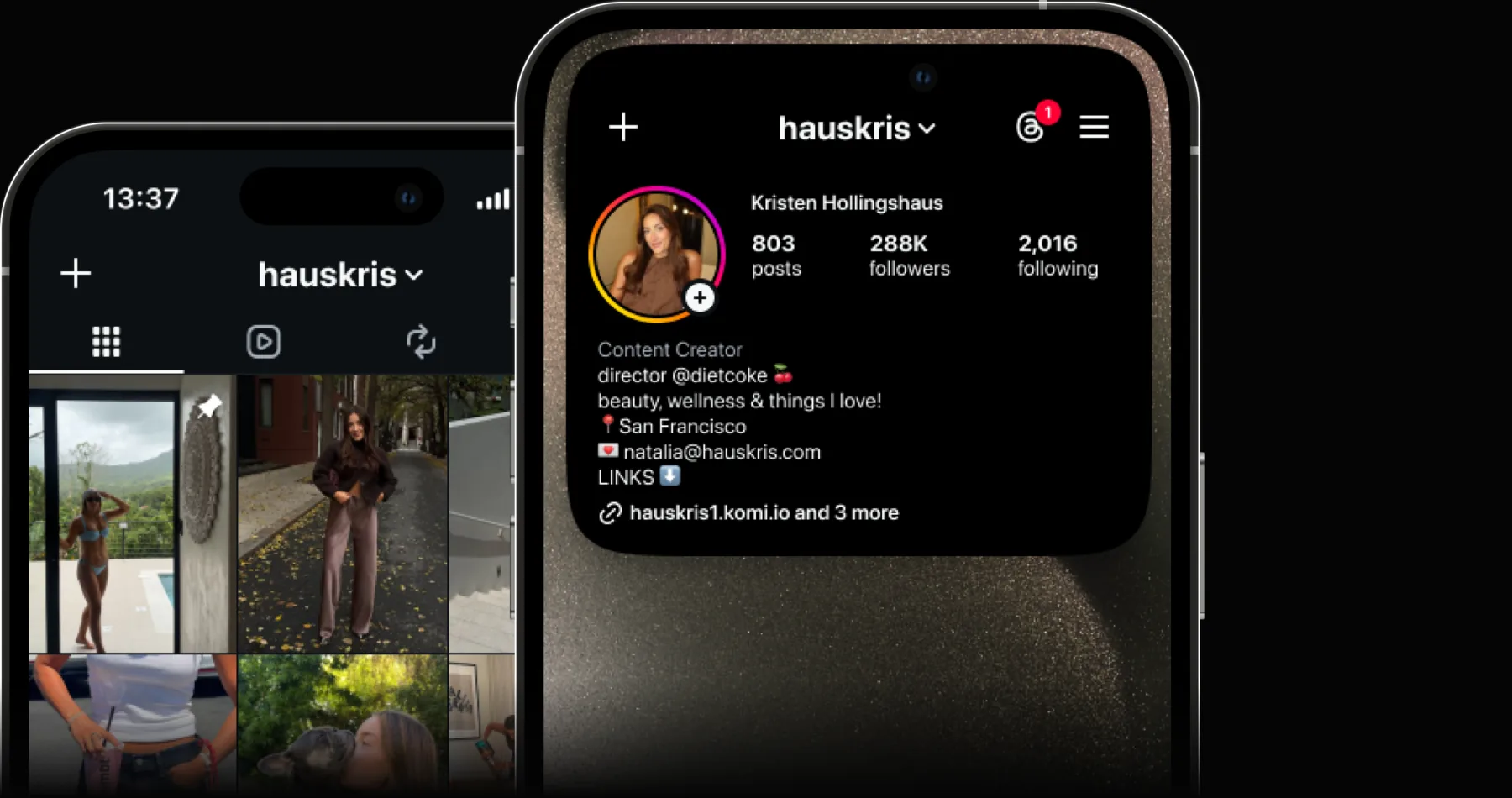
Massive followers
Filter millions of creators on TikTok, Instagram, and YouTube by audience and performance data. Build a list and recruit with confidence.Filter millions of creators by audience and performance data. Build a list and recruit with confidence.












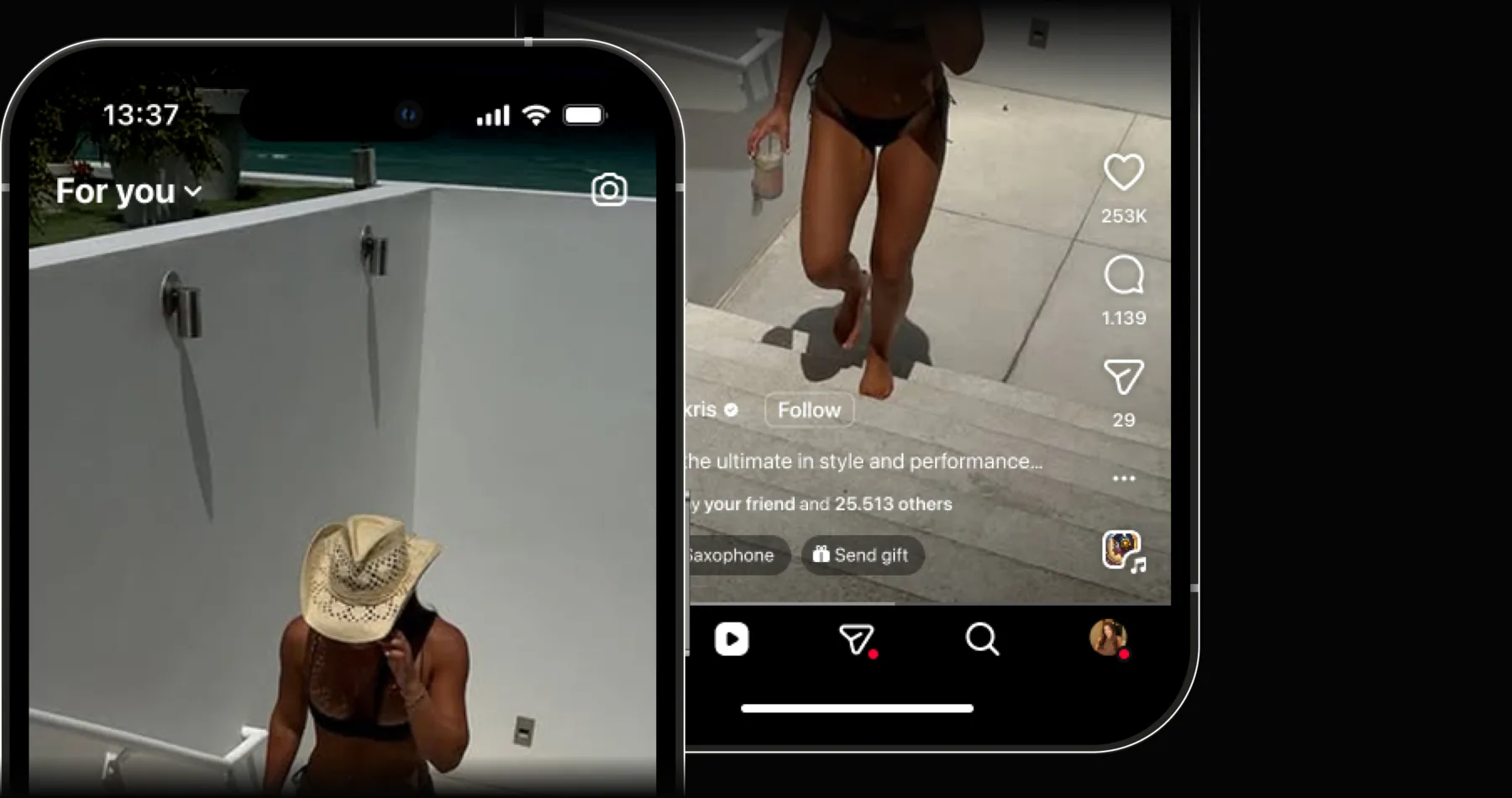
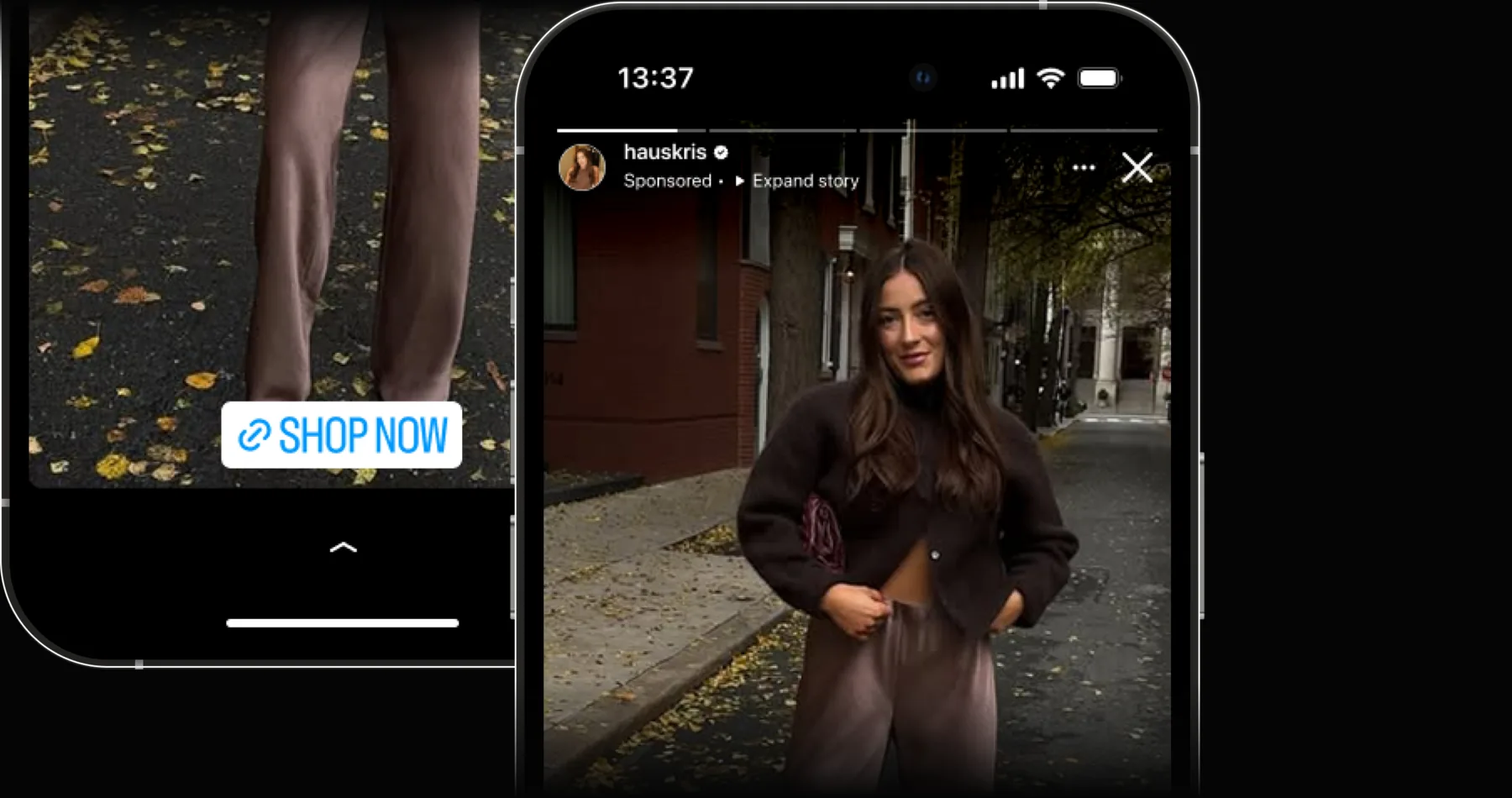
Massive followers
On-brand content
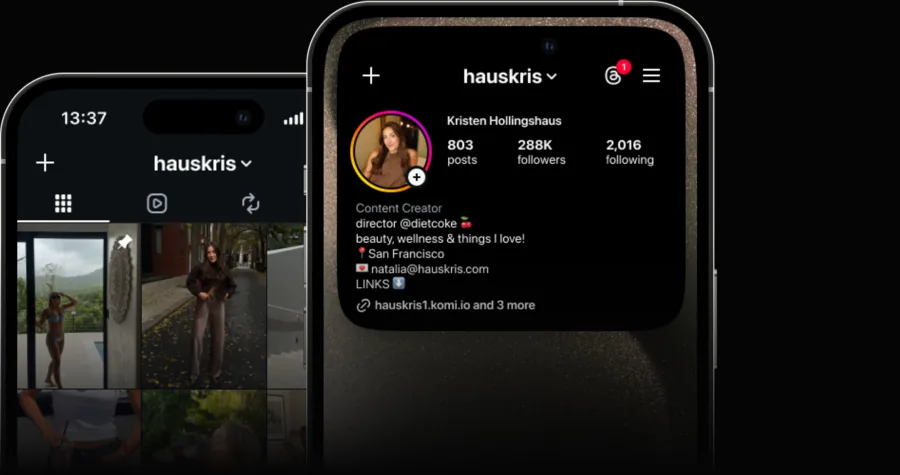
Post every day
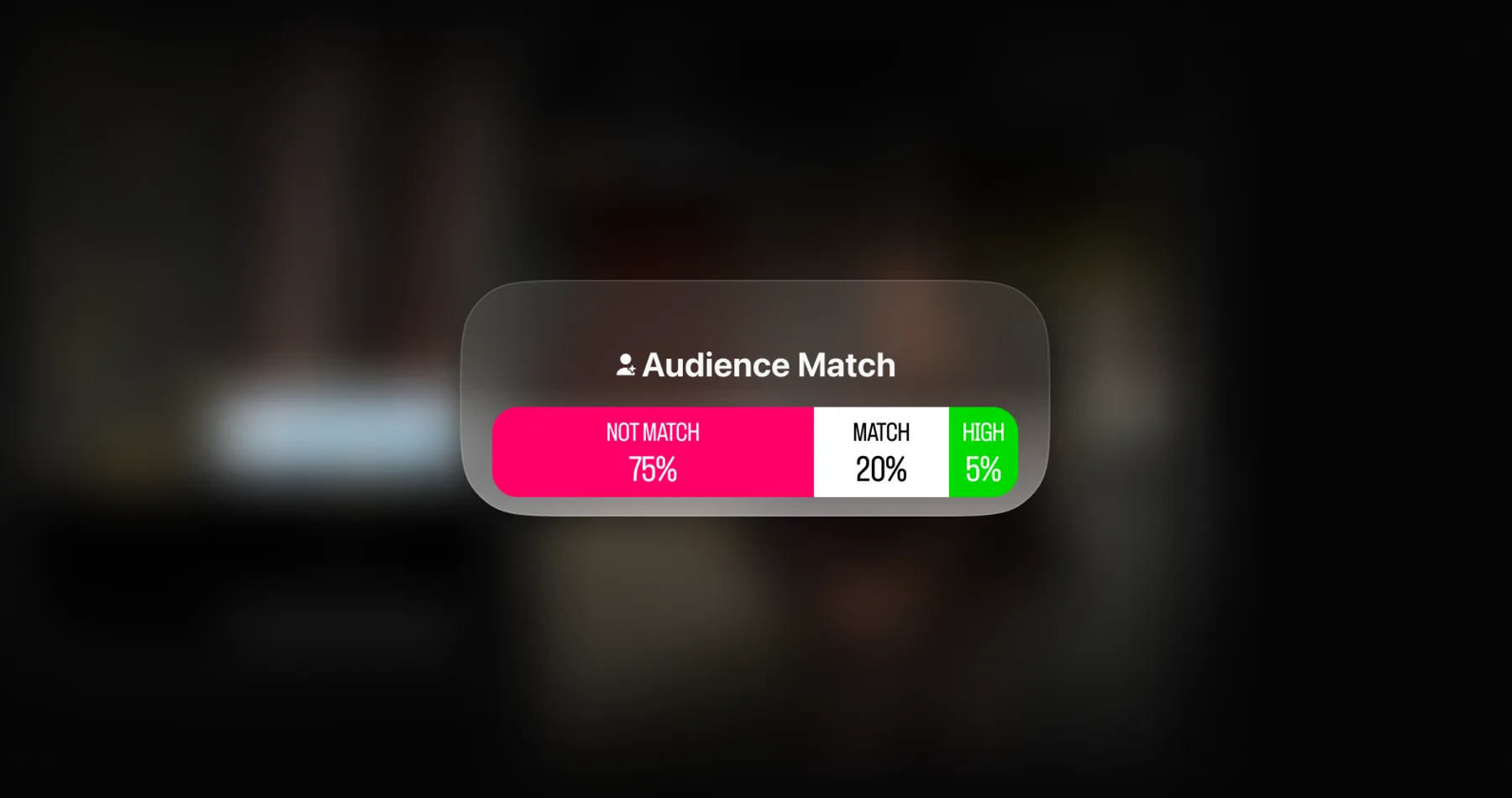
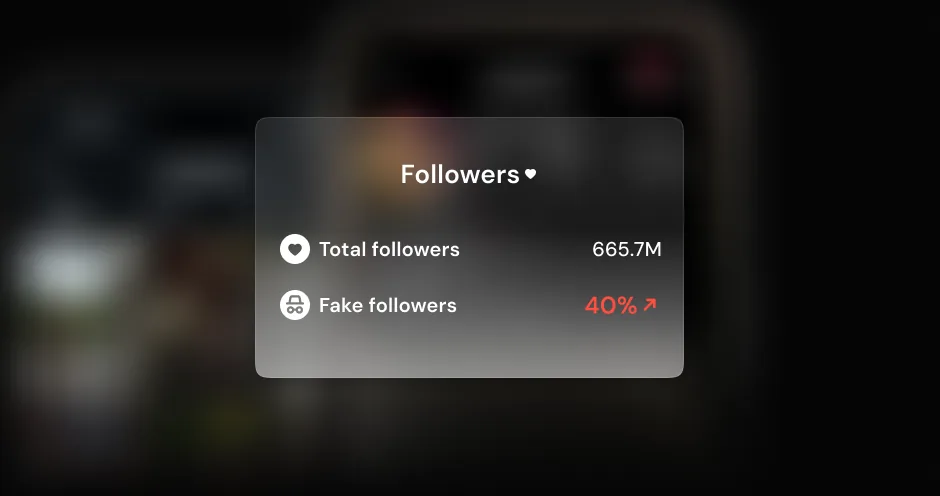
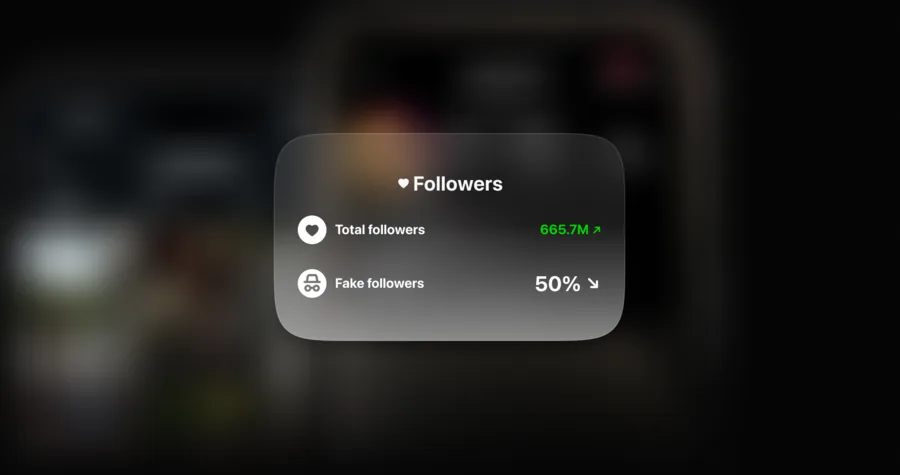
50% fake followers
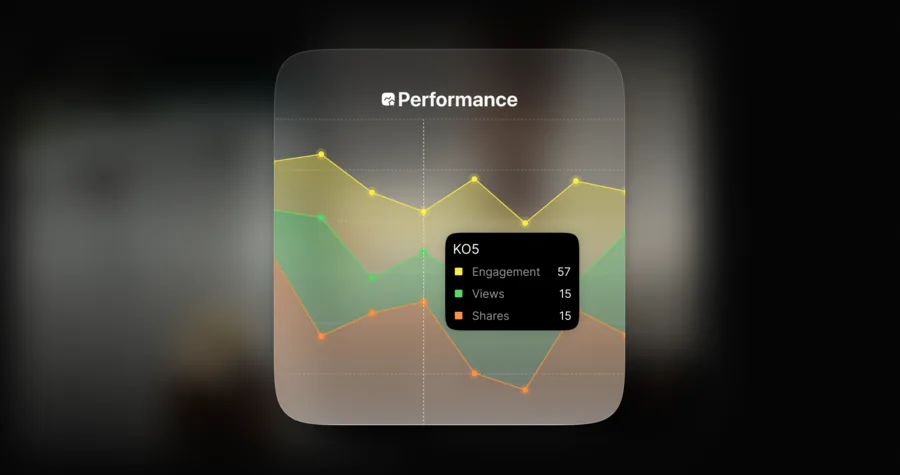
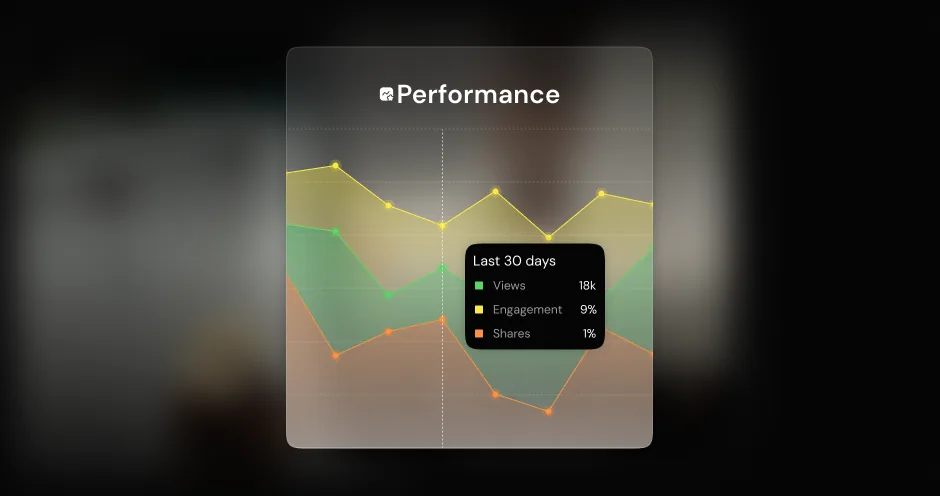
1% real engagement
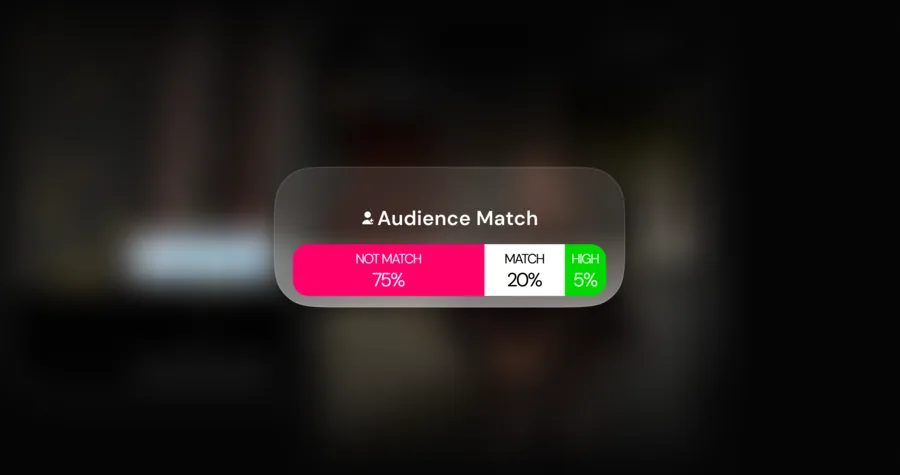
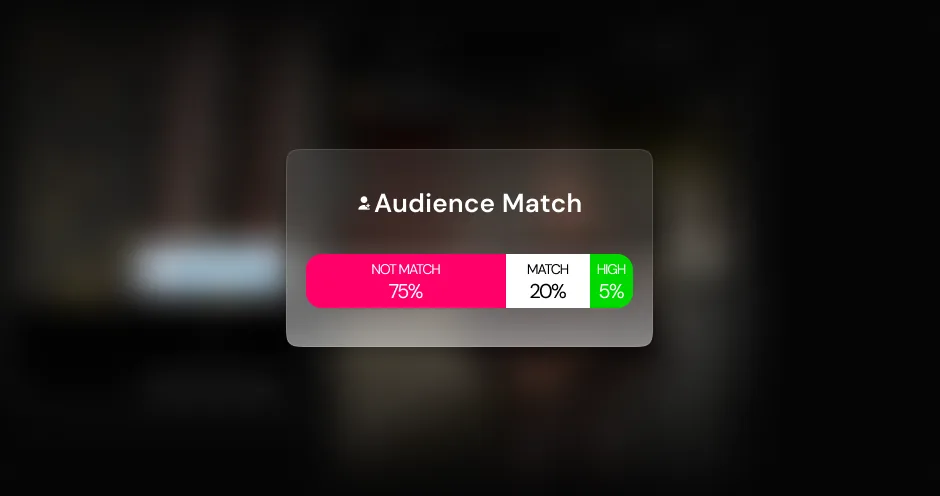
Low audience match
A data-backed solution built to help you reach the most potential partners.
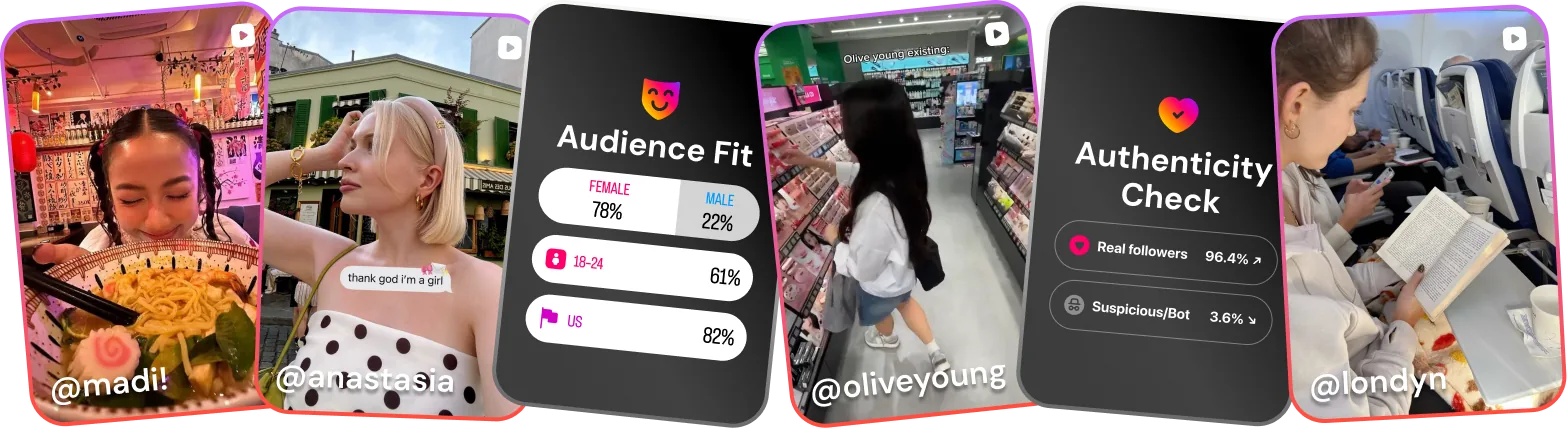
Search each platform by handle, email, or filters, and open any profile to see everywhere else that creator shows up online.
Sort creators by niche and location. Check for audience demographic, views, and growth trends to find partners with an email on file.
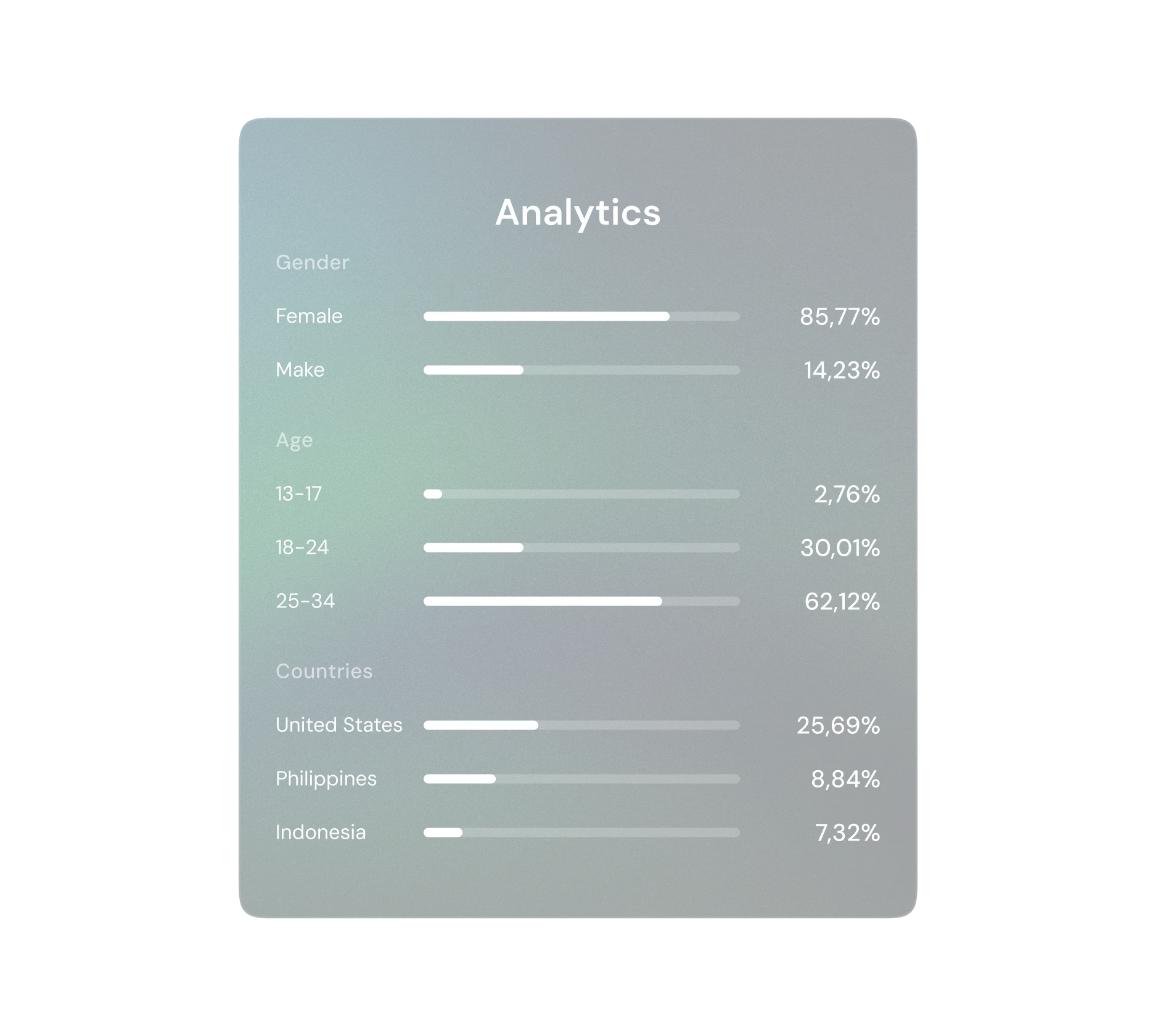
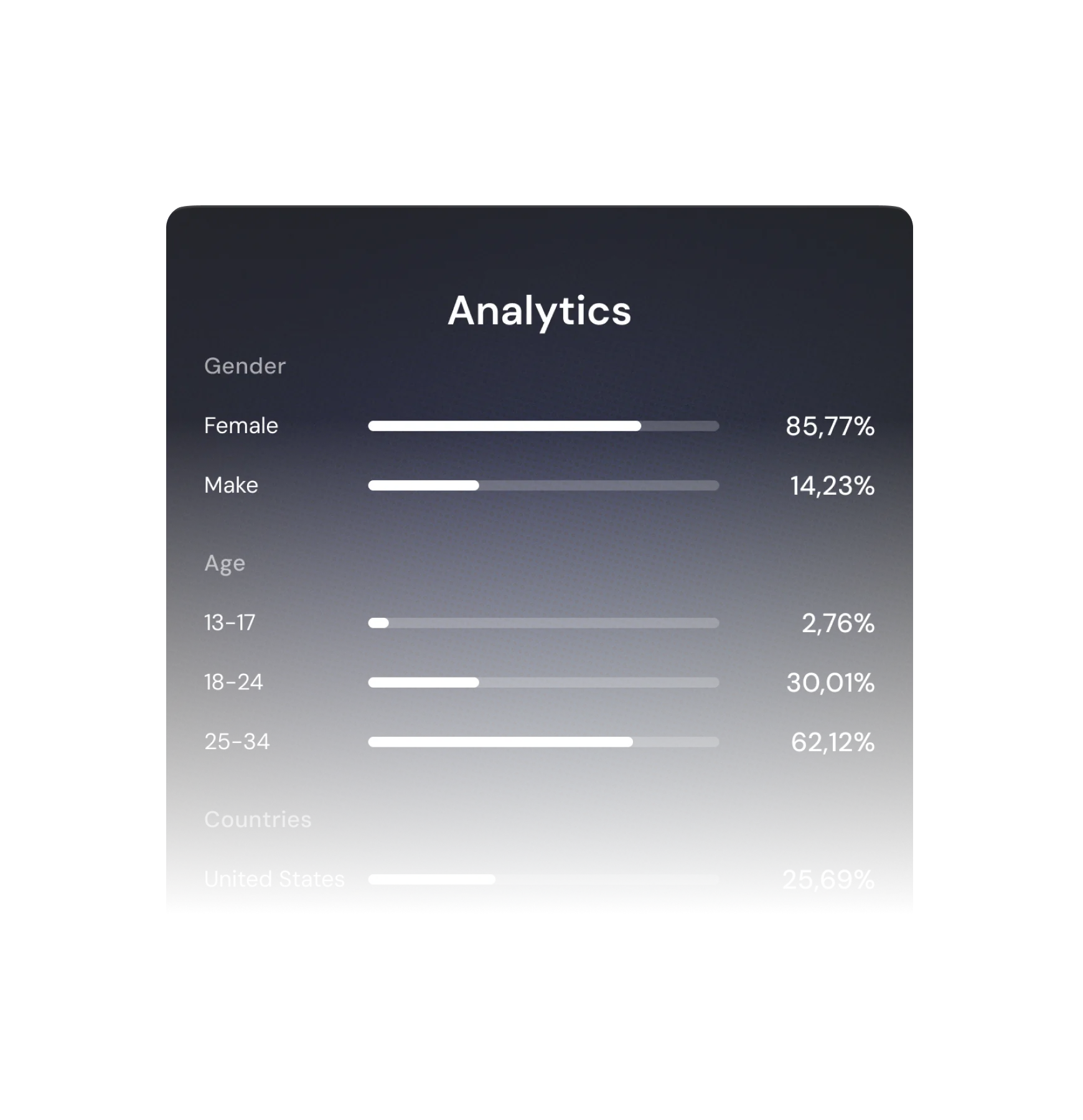
See the age, gender, country, and language of their followers — and confirm they’re the people you sell to.
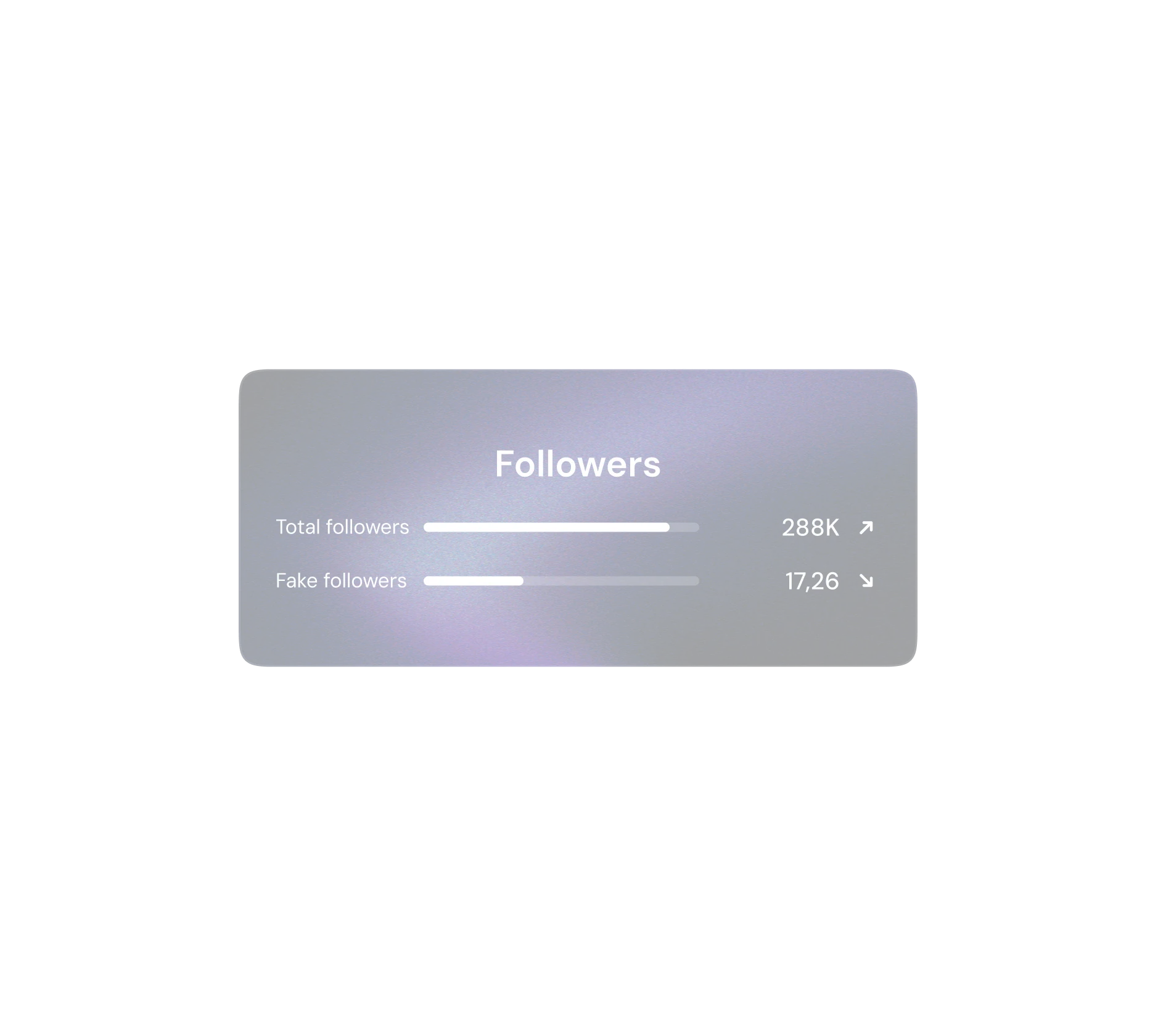
Spot real vs. fake and suspicious followers, so you never budget on inflated reach.
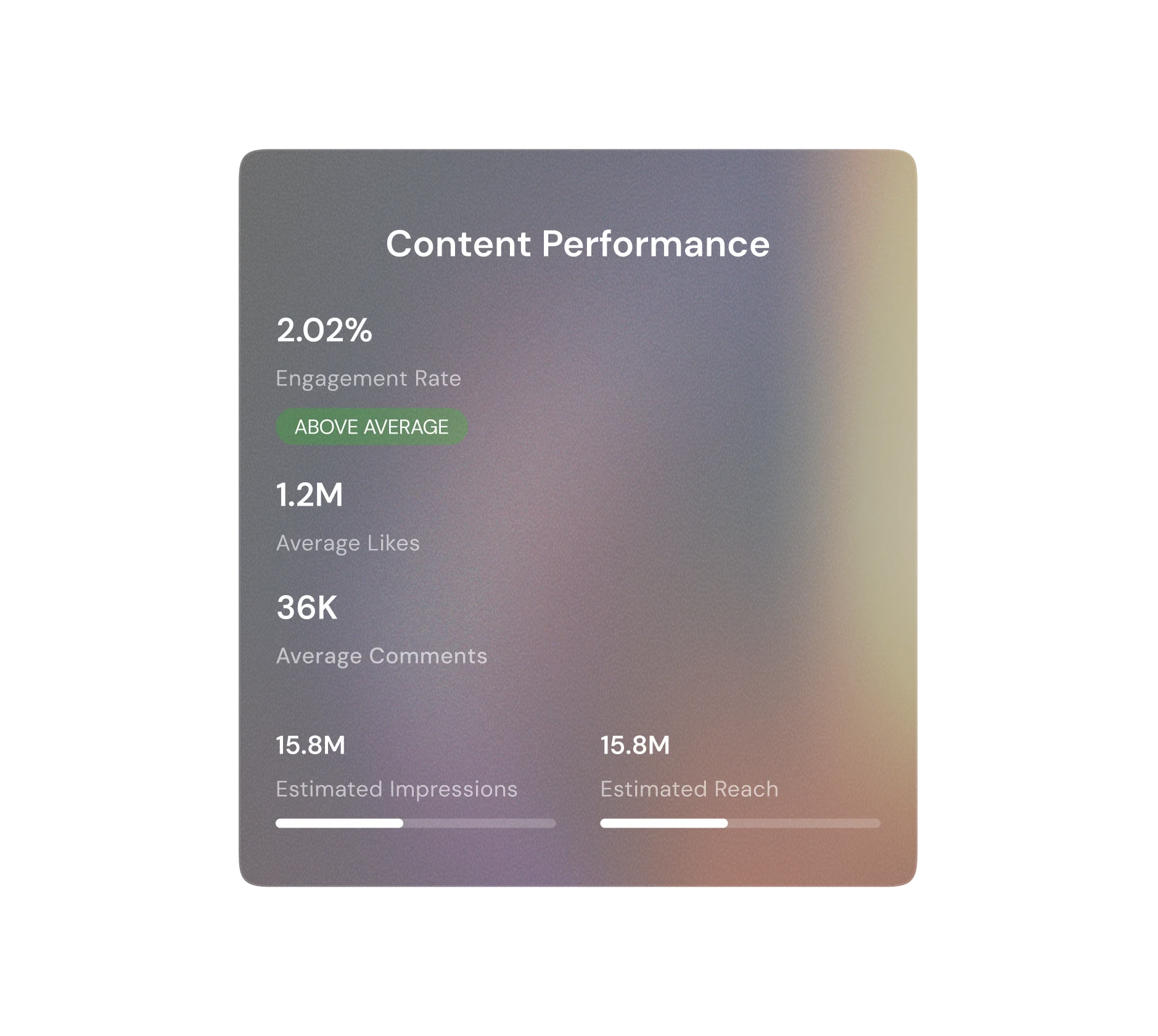
Engagement, average views, saves, shares, and growth over time show who genuinely moves an audience.
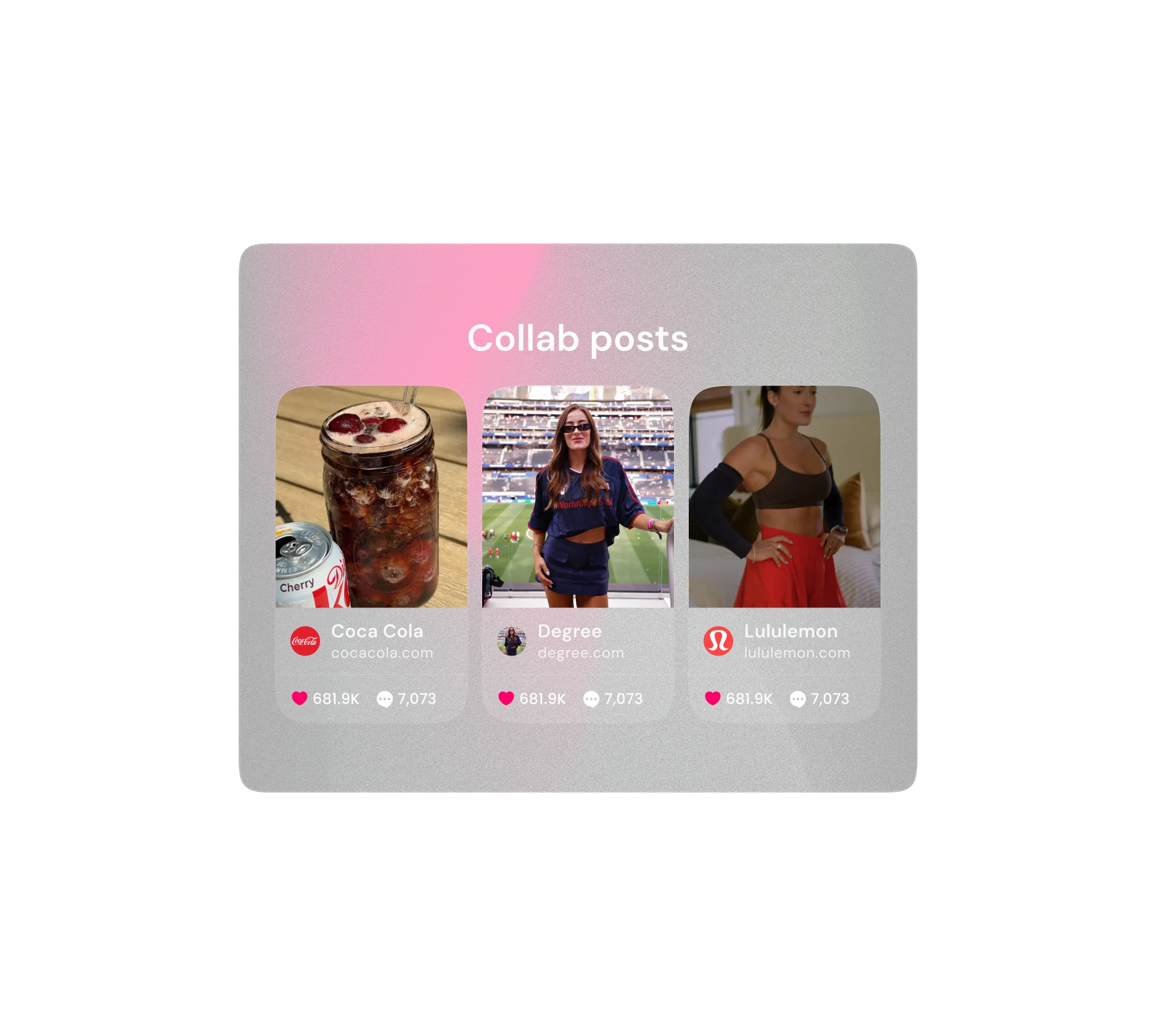
Review the brands they’ve worked with, their top posts, and how that content performed.
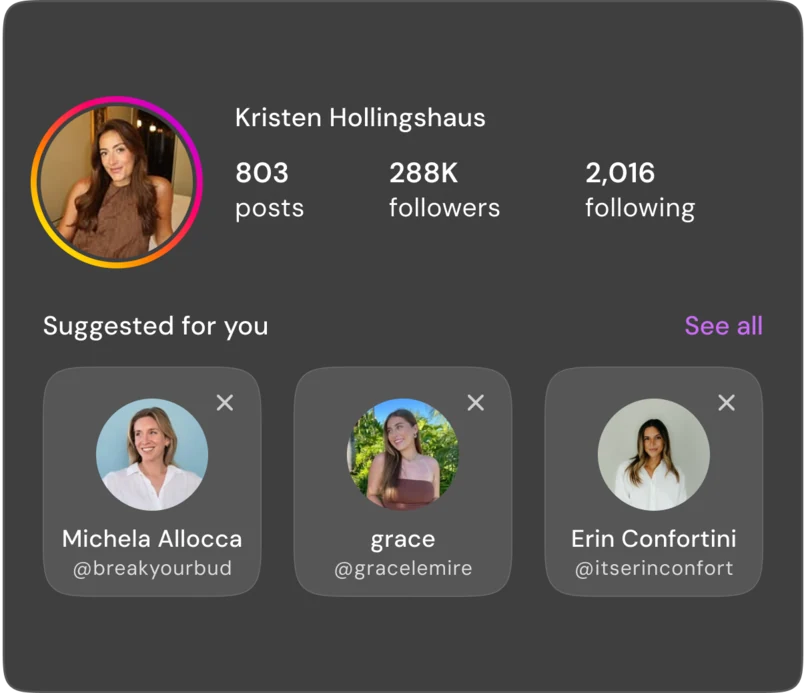
Found a creator who fits? Surface more with similar audiences and content.
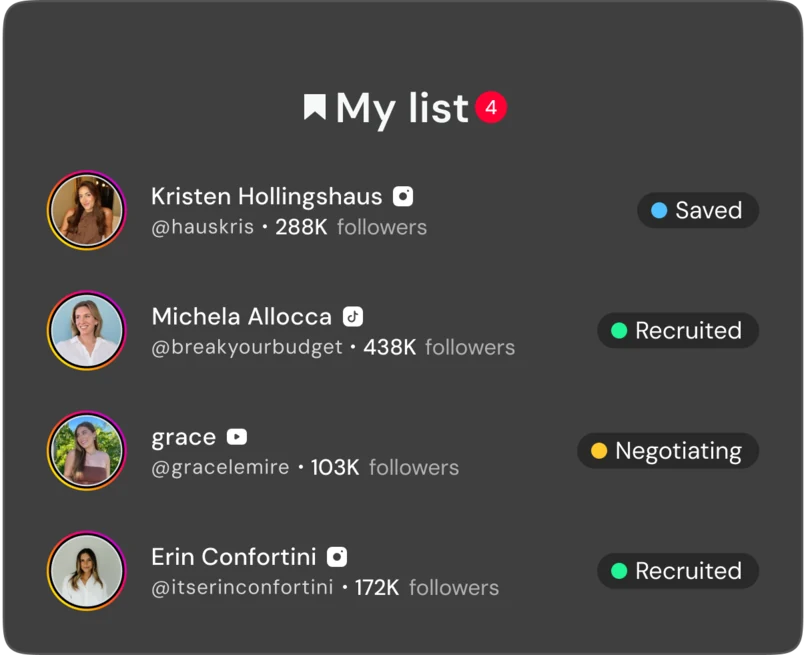
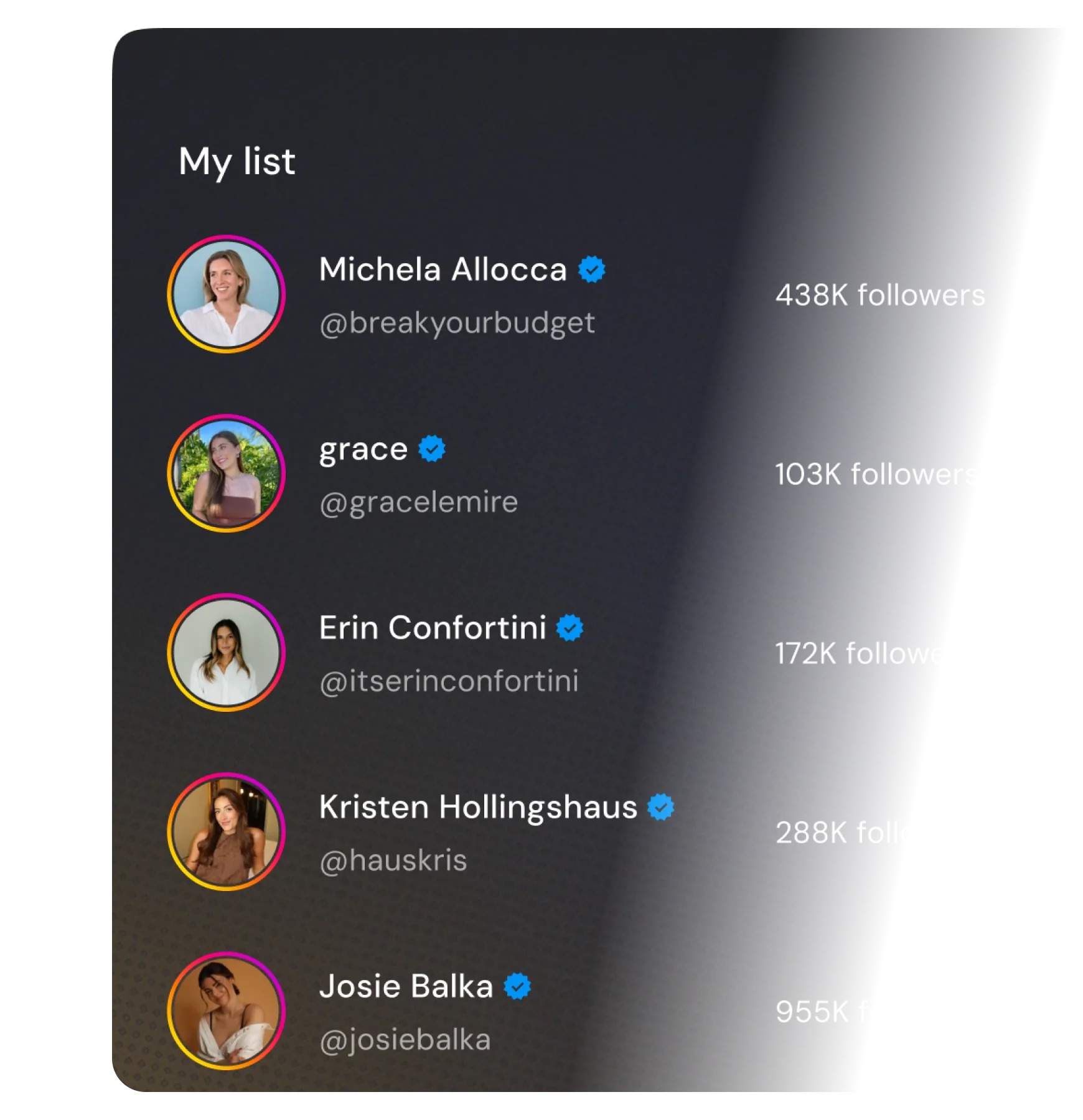
Save the ones who fit and track recruitment status with all information in one place.
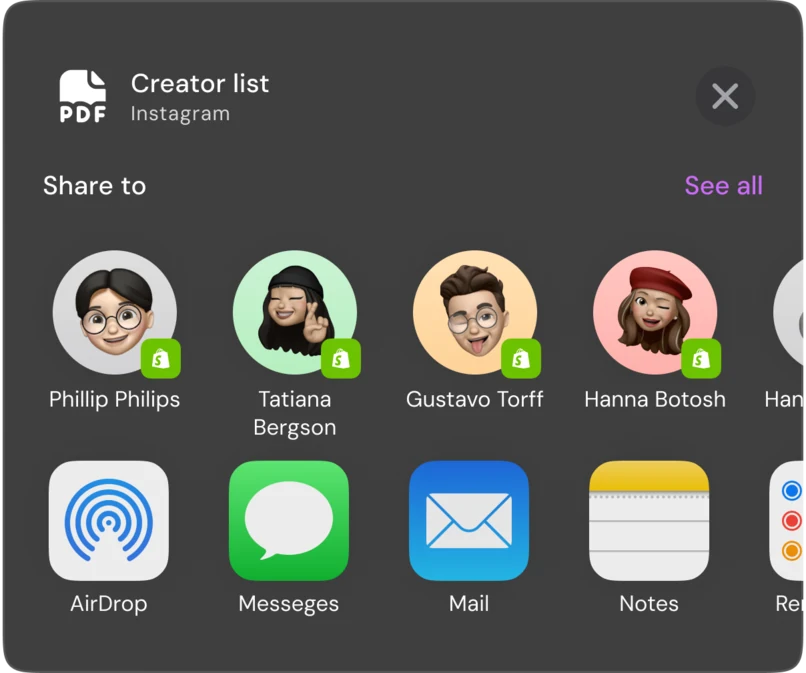
Share a creator complete analytics report to help the team find the same partners.
Pick TikTok, Instagram, or YouTube. Start searching on where your customers spend time.
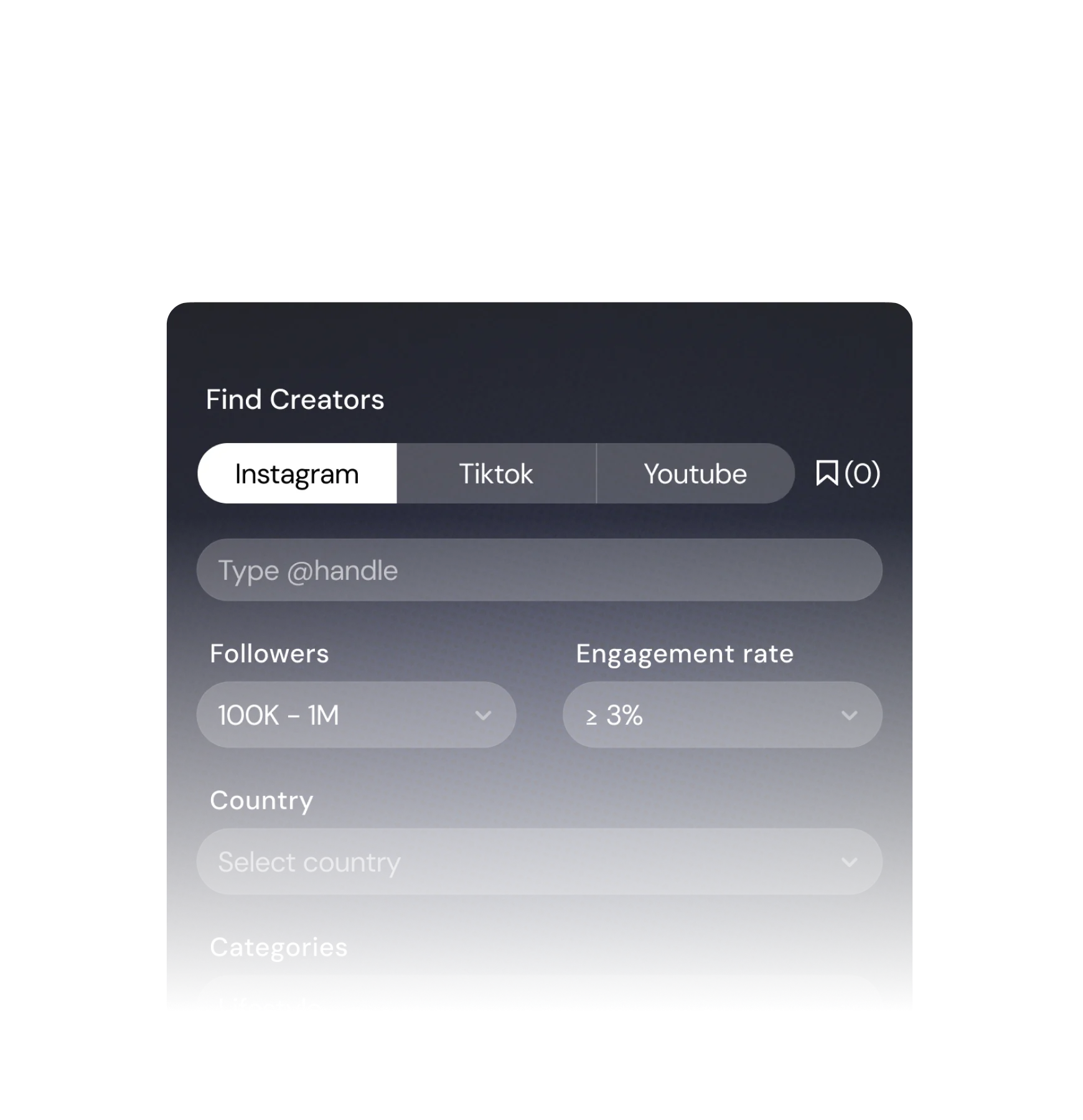
Use filters for niche, location, and follower size. Narrow the results to creators who match your brand.
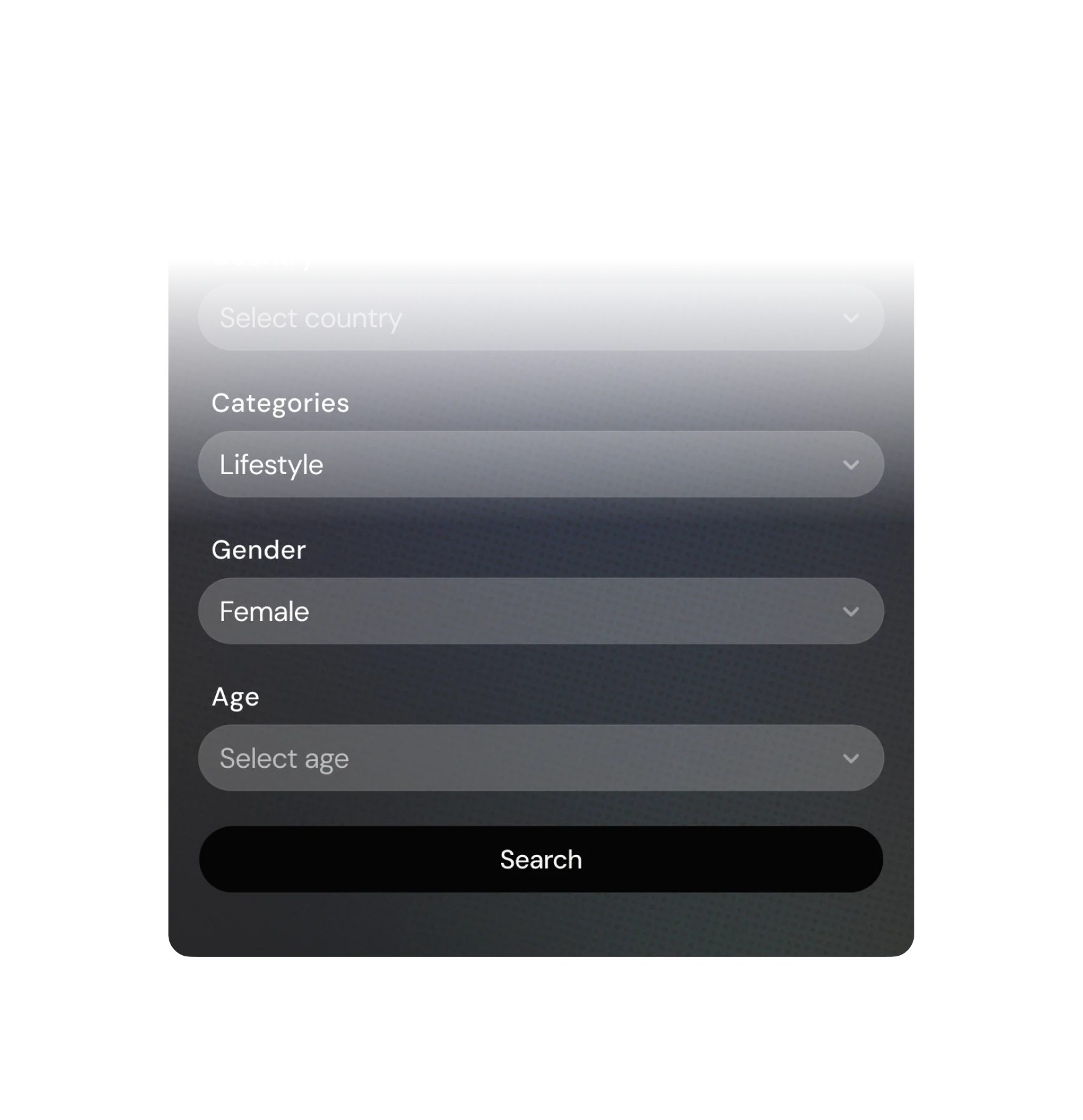
Open creator profile to see audience stats, fake followers and verify where their audience lives.
Save the best creators to your list. Add notes to track why each one is a good fit for your program.
Use the contact info on file to start a conversation. Invite your top choices to join your affiliate program.
Get to know basis
$0
Explore creator partnership
$39 /month
MOST POPULAR
Run active campaigns
$79 /month
* Charge as add-on and work alongside the app subscription plan. View more
A report view is used each time you open a Creator's full profile to see their detailed analytics — including follower stats, engagement rate, audience demographics, and collaboration history.
Simply searching or browsing the Creator list does not count as a view.
No. Report views reset to 0 at the start of every new 30-day cycle. Any unused views from the previous cycle will not roll over.
It depends on when you view it. If you view the same profile within 30 days of your first visit, the cached data will be displayed and no report view will be deducted.
If it has been more than 30 days since your last visit, 1 report view will be deducted and the system will fetch the latest data from scratch.
Upgrade / Downgrade: Your current plan will be cancelled immediately, your report views will reset to 0, and a new 30-day billing cycle will start from the date of the change. For example, if you switch plans on Jan 15, your new cycle runs from Jan 15 to Feb 14 with the new plan's view limit - regardless of how many views you had used before switching.
Cancel / Uninstall: You will lose access to Creator Discovery immediately. If you reinstall the app, you will need to subscribe again from scratch - your previous view history and billing cycle will not be restored.
Notes: If you cancel Creator Discovery mid-cycle, the fee for that cycle has already been charged and will not be reversed.
