TL;DR
Ten issues cause most affiliate tracking failures on Shopify, and the majority have a fix you can apply in minutes.
- Top culprits: cookie blocking, device switching, checkout redirects, coupon codes that discount but miss attribution
- Hidden causes: app permission gaps, theme conflicts, accelerated checkout bypasses, consent banners suppressing scripts
- Key prevention: enable both link and coupon code tracking — never rely on cookies alone
- Start here: run the 5-minute self-test before troubleshooting individual issues
Your affiliate just messaged: “I sent 50 people to your store, but my dashboard shows zero sales.” The orders exist in Shopify, yet the affiliate app shows no attribution for any of them.
Without a fix, the damage compounds fast. The commission goes unpaid, trust erodes, and one more missed payout could push a productive partner out the door.
The root cause is rarely a broken app. Nearly half of US internet users now decline cookies at least sometimes (Statista, Q3 2024), while Safari and Firefox already block third-party cookies by default.
On top of that, ad blockers widen the gap. Roughly one in three internet users now run them (Backlinko/GWI, Q2 2025), and each blocked script means another click that may never register in your affiliate app.
That’s why affiliates end up driving real sales your dashboard never records. Commissions go unpaid, and partners who should be scaling your revenue walk away.
This article explores the ten most common Shopify affiliate tracking issues, each with a diagnostic test and a step-by-step fix. Every solution works regardless of which affiliate app you use.
Start with the 5-minute self-test below. It will pinpoint where your tracking breaks so you can jump straight to the right fix.
The 5-Minute Self-Diagnostic Test (Run This First)
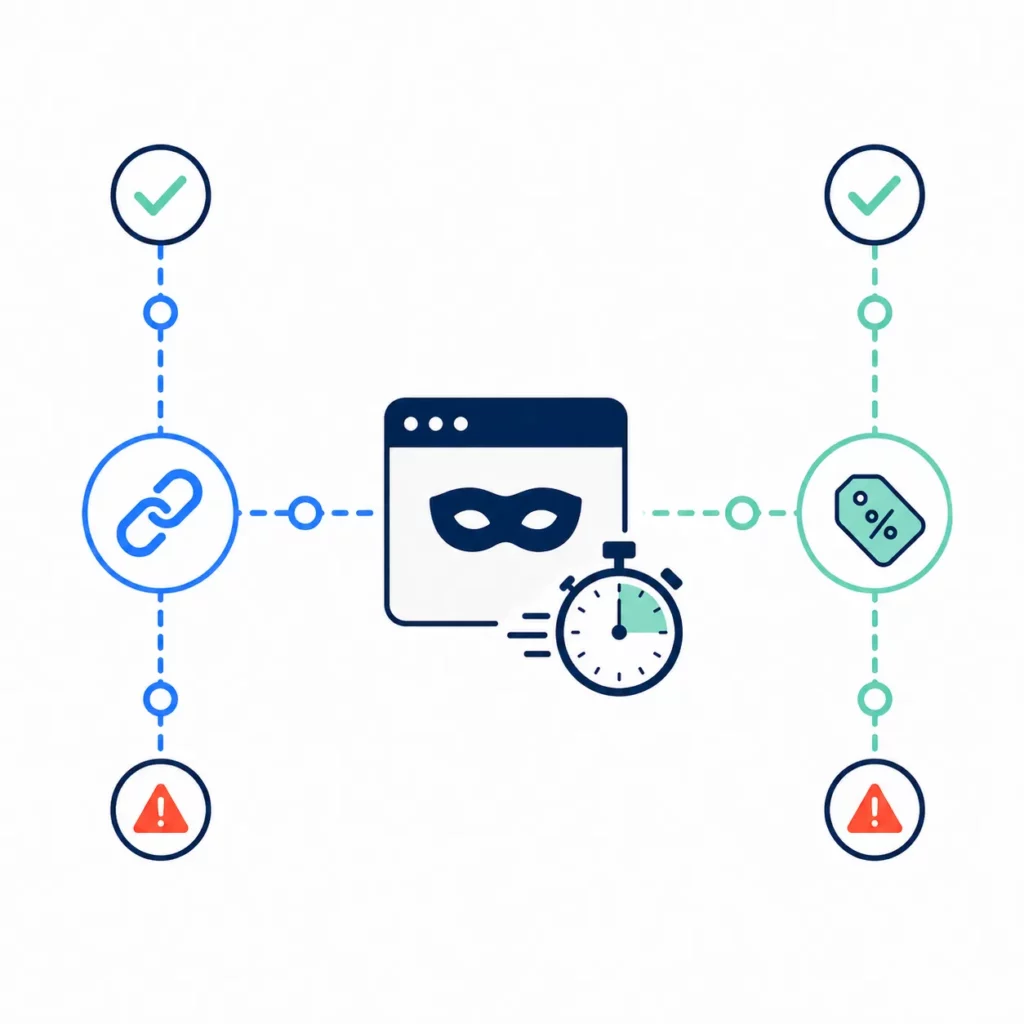
Before diving into individual fixes, a quick test can reveal exactly where your tracking breaks. Most failures fall into one of two buckets: link-based or code-based, and five minutes in a private browser window will tell you which one applies.
To get started, open an incognito window so cached cookies and extensions stay out of the way. Then keep the affiliate dashboard open in a second tab; you will need it to check results after each test.
Test 1 — Link tracking
Paste your test affiliate’s referral link into the incognito window, click through to the store, add a product, and complete a test purchase.
The dashboard should update within seconds. If the order appears under the right affiliate, link tracking is working. If nothing shows up, a blocked cookie, a checkout redirect, or a permission gap could be the cause (Issues #1, #3, #5, and #6).
Even when links track fine, coupon codes can still fail on their own — which is why the second check matters.
Test 2 — Code tracking
Open a new incognito window without clicking any affiliate link. Visit your store directly, add a product, and enter the test affiliate’s coupon code at checkout.
An order that credits the right affiliate means code tracking works. If the order goes through but no credit appears, the issue tends to involve code sync or an expired discount (Issues #4 and #8).
Test 3 — Both methods together
This final check tests what happens when link and code conflict. Click one affiliate’s link, then enter a different affiliate’s coupon code at checkout and see which partner gets credit.
The result should match your attribution priority setting. If it does, priority logic is sound. A mismatch would mean the configuration needs a closer look (Issue #8).
Once all three tests pass, your tracking setup is working. The problem may be specific to one affiliate or to customer behavior like device switching.
If any test fails instead, you have a clear starting point. Jump to the matching issue section rather than guessing.
Issue #1: Cookie Blocked by Browser or Ad Blocker
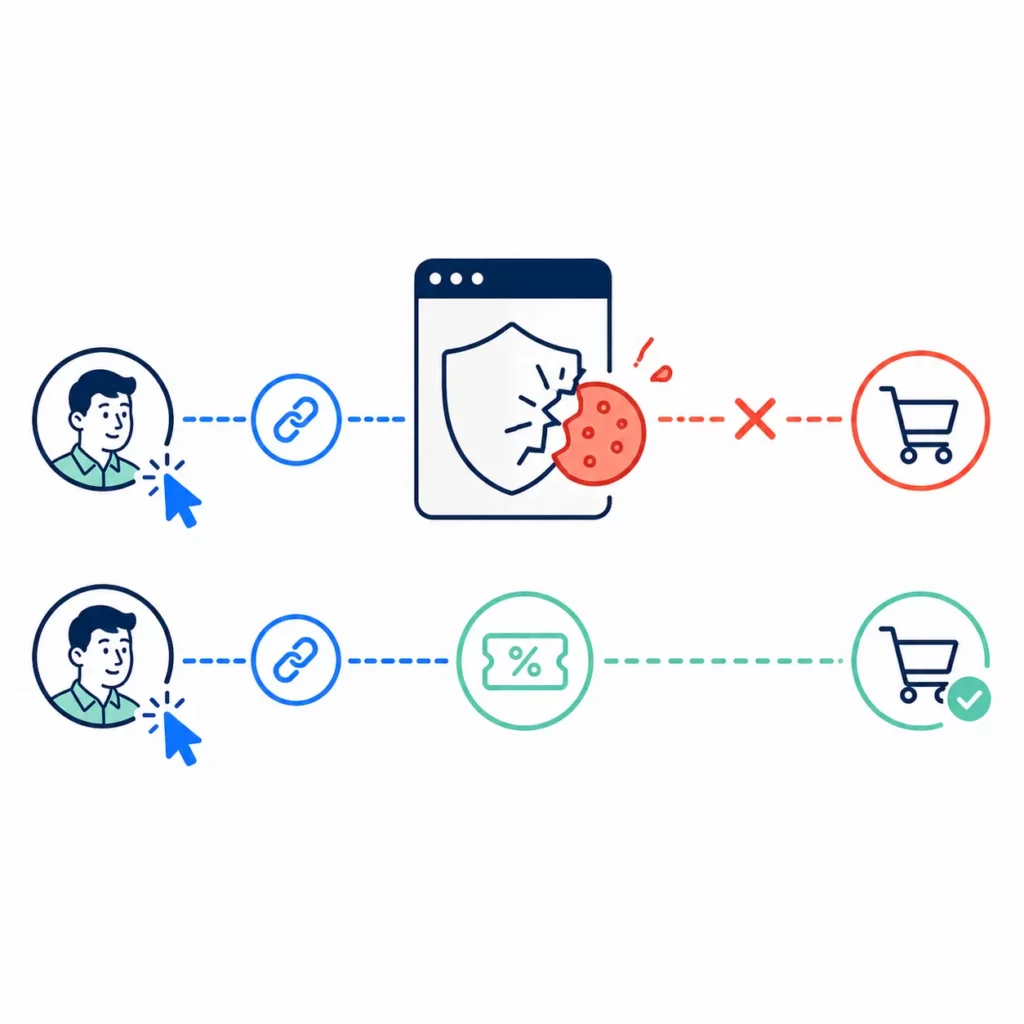
Cookie blocking is the most common cause of missed affiliate sales on Shopify.
When a browser or ad blocker stops the tracking cookie from saving, nothing connects the purchase back to the affiliate who drove it.
A customer can click the referral link, browse your store, and buy. Yet the app never records who sent them.
The fix is not to fight the blocking. It is to build tracking that works without cookies.
Safari and Firefox already block third-party cookies by default. Chrome’s new opt-out prompt is pushing the trend further: early US data shows that roughly 82% of users reject cross-site tracking when given an explicit choice (CompsMag, 2026).
Ad blockers compound the loss. With roughly one in three internet users running them worldwide (Backlinko/GWI, Q2 2025), cookie-only tracking will miss a growing share of real sales.
| Browser or tool | Blocks third-party cookies? | Notes |
| Safari (Apple) | Yes — by default since 2020 | ITP enforced on all Apple devices |
| Firefox (Mozilla) | Yes — Enhanced Tracking Protection | Enabled by default |
| Chrome (Google) | User choice — opt-out prompt rolling out | Early opt-out rate ~82% in US |
| Ad blockers (uBlock, AdBlock Plus, etc.) | Yes — block tracking scripts | ~1 in 3 internet users globally |
| Brave | Yes — aggressive blocking | Strips most third-party trackers |
Given this landscape, the strongest safeguard is coupon code tracking. Codes work without cookies because the customer types the value at checkout and the app reads it server-side.
Besides, auto-discount links go a step further. Instead of asking customers to type a code, the discount can apply on its own when someone arrives through a tracked affiliate link.
For stores that want broader coverage, first-party cookies can close part of the remaining gap. Set by your own domain rather than a third party, they face fewer browser limits, and most modern apps already default to them.
Server-side tracking goes further still. It handles attribution on the server rather than in the browser, making it immune to all client-side blocking.
Each layer stacks. Coupon backup plus auto-discount links together will cover the vast majority of sessions where cookies would otherwise fail.
Issue #2: Customer Switches Device Before Purchase
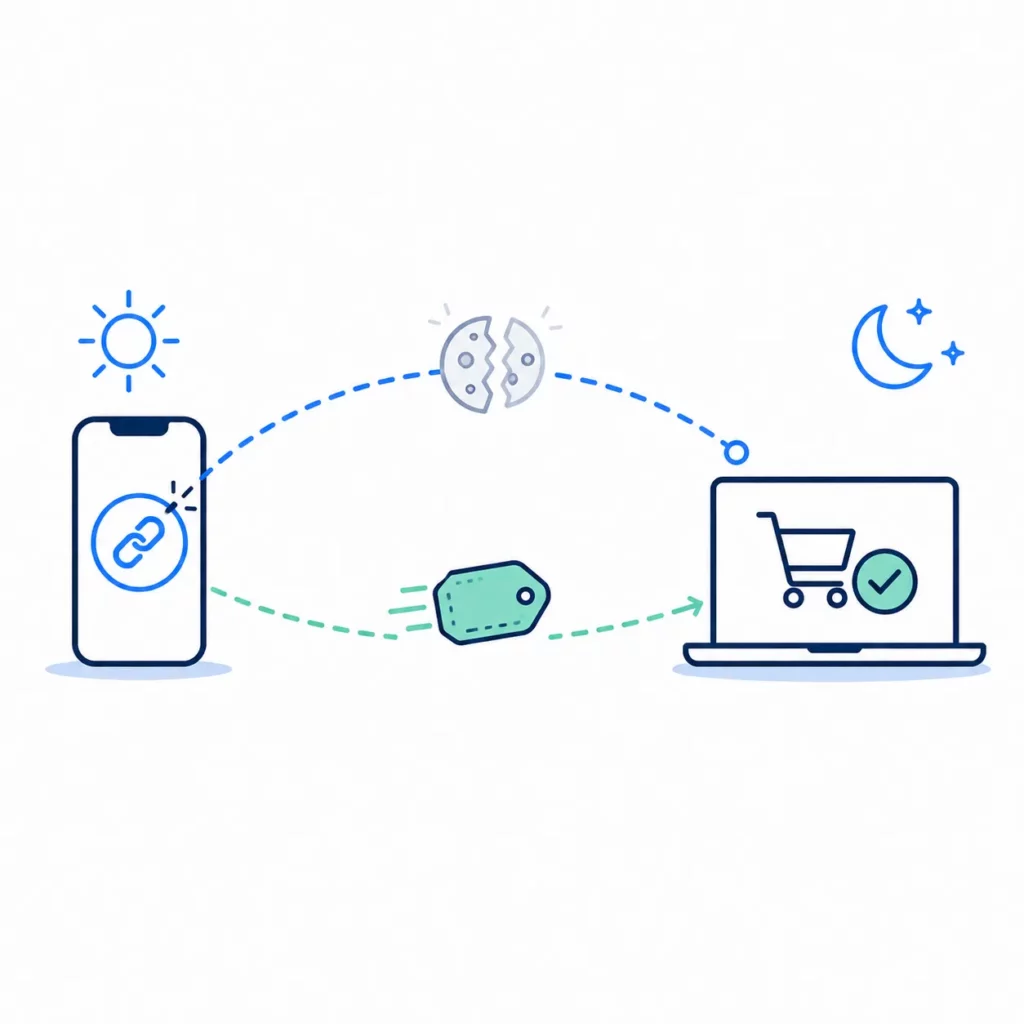
Even when cookies save on one device, they cannot follow the customer to another.
Someone who clicks an affiliate link on their phone but finishes the purchase on a laptop hours later will leave the affiliate with no credit for the sale.
In fact, the pattern is more common than it might seem. Many shoppers browse on mobile during the day and buy from a desktop in the evening, and each device starts with a clean cookie slate.
No cookie-based fix can solve this on its own, which is why coupon codes matter even more in cross-device scenarios. A code travels with the customer regardless of which device they use. They simply type it at checkout on whichever screen they buy from.
The practical step is simple: give every affiliate both a referral link and a personal coupon code, and encourage them to share both with their audience.
A simple line like “Use code SARAH15 if the link doesn’t work” can recover sales that would otherwise vanish between devices.
Issue #3: Checkout Redirect Breaks Tracking Flow
Shopify’s checkout runs on a separate domain from your storefront.
When a customer moves from your store to the payment page, cookie data may not carry across, and the app can lose the trail between the click and the sale.
Fortunately, most modern apps sidestep this by using Shopify’s webhook system. Shopify’s server notifies the app directly when an order completes, so the sale will still get credited even if no cookie survives the redirect.
However, tracking breaks down when that server connection goes quiet. A platform update, a changed permission, or a lapsed app plan could sever it without warning.
No error message appears. The only symptom is orders that vanish from the affiliate dashboard while still showing up in Shopify.
A reinstall of the affiliate app is usually all it takes. The process forces the app to restore its server connection and refresh its permissions, and the missing orders should start tracking again within minutes.
If the reinstall fixes standard checkout but Shop Pay or Apple Pay sales still go missing, the cause likely sits with how those payment flows handle the handoff.
Issue #7 walks through that scenario in detail. Testing with standard checkout first can help narrow it down.
One more factor worth checking: Shopify’s checkout migration. Non-Plus stores have until August 2026 to move their post-purchase pages to the new system.
Apps that still depend on old scripts for those pages could lose tracking data after the cutoff. A quick check now would save a scramble later.
Issue #4: Coupon Code Not Syncing with Affiliate App
A coupon code can apply a discount at checkout without ever crediting the affiliate who shared it. The customer types the code, the price drops, and the affiliate’s dashboard shows nothing.
The most common cause is a code that lives in the wrong place. Shopify’s Discounts section and the affiliate app each manage coupons on their own, with no link between them.
A code created in Shopify Admin will give the customer a lower price, but the affiliate app has no way to match that order to a partner. The discount fires; the tracking does not.
The fix: always create coupon codes through the affiliate app rather than through Shopify’s Discounts page. App-created codes connect the discount and the tracking in one step.
Even correctly created codes can break for less obvious reasons. An expired code or one past its usage cap may still look fine to the affiliate but fail quietly at checkout.
By contrast, duplicates are harder to spot. If the same code string exists in both Shopify Discounts and the affiliate app, Shopify may apply the discount from its own list while the app never sees the sale.
A quick check under Shopify’s Discounts page will show whether a duplicate exists and whether the code is still active. Matching that against the affiliate’s profile in the app should confirm if the two systems agree.
To skip the manual step, look for an option that creates codes at signup. With UpPromote, each new affiliate can get a synced coupon code from day one, and the discount and tracking stay linked on their own.
Issue #5: App Permissions Incomplete or Expired
Everything was tracking fine last week.
Now orders are missing from the affiliate dashboard with no warning and no error message. This pattern usually points to a permission gap between the affiliate app and Shopify.
Affiliate apps need access to Shopify’s order, customer, and discount data to record referrals. If any of those permissions get revoked or fall out of date, the app can no longer read what it needs.
Because Shopify does not flag the gap, the failure is silent. As a result, orders stop appearing in the affiliate dashboard.
A Shopify platform update may change the permissions an app requires, or a merchant might accidentally revoke access while adjusting settings in the admin.
Less obviously, the app itself could push an update that needs a new permission the store has not yet approved.
The fix is the same in each case: uninstall the affiliate app, reinstall it, and re-approve every permission prompt that appears. The process takes about five minutes and resolves the problem more often than not.
Issue #6: Theme or App Conflict
Sometimes the affiliate app is working correctly on its own. The interference comes from another app or custom theme code that prevents the tracking script from loading.
The most common offenders are cookie consent banners, popup builders, page speed tools that defer scripts, and checkout apps. Each can block or delay the affiliate tracking script without any visible error.
The irony is sharpest with consent tools. An app designed to manage cookies may end up blocking the very affiliate cookie it should allow.
The diagnostic process is methodical. Disable your other apps one at a time, then run the link tracking test after each change. When tracking starts working again, you have found the conflict.
From there, telling the conflicting app to allow the affiliate tracking script will often resolve the issue without removing either app from your store.
If that option is not available, reaching out to both support teams at the same time gives them the context they need to coordinate how scripts load on your pages.
Custom theme code can also cause the same kind of interference. Scripts in theme files may override or delay the affiliate snippet, and a quick developer review is the fastest way to clear it.
Issue #7: Accelerated Checkout (Shop Pay, Apple Pay) Bypasses Tracking
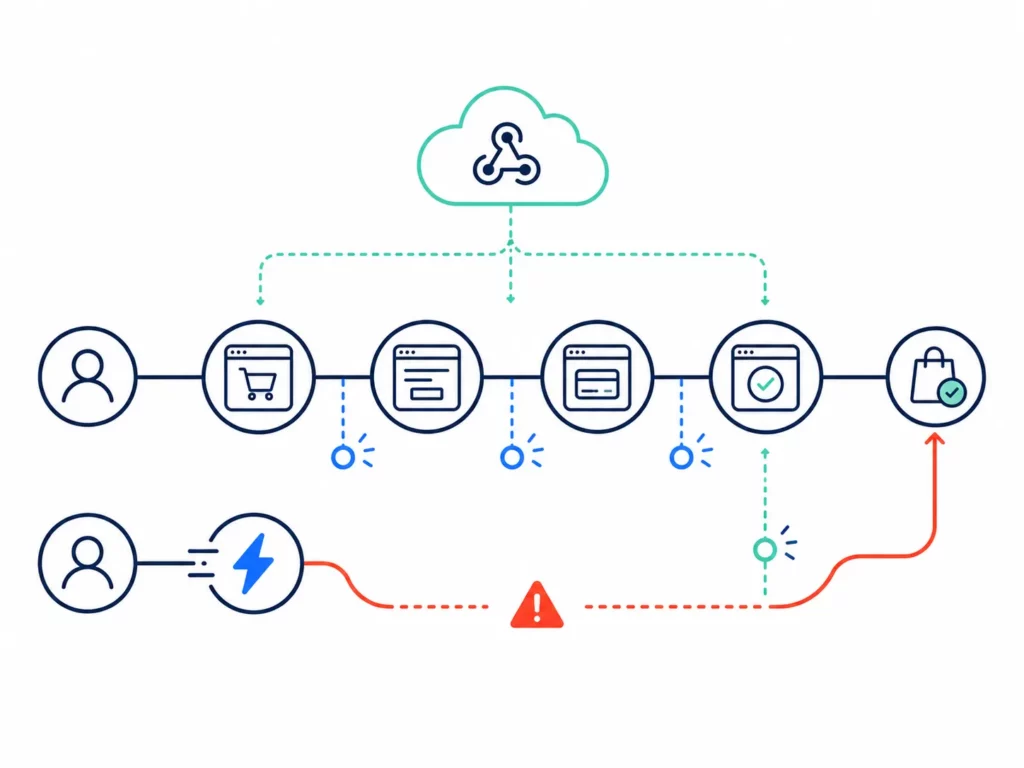
Standard checkout walks the customer through your store’s pages step by step, and tracking scripts can fire at each one. Accelerated options like Shop Pay, Apple Pay, and Google Pay work differently.
They route the payment through an external flow that may skip the affiliate tracking script entirely. From the merchant’s side, the result looks identical to a cookie failure: the order completes in Shopify, yet the dashboard shows no attribution.
In practice, most modern apps already avoid this through Shopify’s webhook system, which captures orders server-side regardless of the checkout path.
If your app relies on webhooks, and most do, accelerated orders should track just as well as standard ones. The issue only appears when an app still depends on checkout page scripts or when the webhook connection has broken without warning.
The reinstall steps from Issue #5 could restore a broken webhook. Before trying that, though, a quick test will tell you whether the problem exists in the first place.
Using a test affiliate link, complete a purchase through Shop Pay, then check the dashboard. If the order appears under the right affiliate, your app already handles accelerated checkout.
If it does not, contacting your app’s support team specifically about Shop Pay tracking would be the right next step.
With Shop Pay becoming the default for more Shopify stores each year, this test is worth running even if tracking currently seems fine. A gap here might only surface once accelerated checkout volume grows.
Issue #8: Wrong Attribution Priority Settings
A customer clicks Affiliate A’s link, then enters Affiliate B’s coupon code at checkout. Who should get credit for the sale?
The answer depends on your priority setting. Most disputes between affiliates trace back to programs that never made this choice in the first place.
Without a clear rule, the app picks a default on its own, and that default may not match how your program actually works.
| Priority model | Who gets credit | Best for |
| Link priority (last-click) | The affiliate whose link the customer clicked | Programs focused on traffic driving |
| Coupon priority | The affiliate whose code the customer entered | Programs heavy on discount-based promotion |
| Last-touch | Whichever event happened most recently | Programs that want a simple “last wins” rule |
Among these, link priority is the most common default and will suit most programs built around creators driving traffic. Coupon priority would be a better fit when affiliates promote mainly through discount codes.
The fix is less about changing a setting and more about making a clear decision. Choose a model before launch, and communicate the rule to every affiliate during onboarding.
Putting it in the affiliate agreement gives everyone a reference when questions come up. An affiliate who knows the rule in advance can plan around it.
An affiliate who discovers the rule only after losing credit on an order is far more likely to dispute or leave.
Issue #9: Refund Not Adjusting Commission
A customer buys through an affiliate link, then asks for a refund two weeks later. If the commission has already been paid out, the merchant is stuck covering a sale that no longer exists.
A waiting period can help prevent this. By holding each commission for 30 days before it becomes payable, any order that gets refunded in that window never triggers a payout at all.
Beyond the holding period, most apps can also detect refunds through the same webhook system that tracks orders. When a refund goes through, the app should reverse the matching commission on its own.
This setting may need to be turned on by hand, so it is worth a quick check. UpPromote calls it Delay time to approve orders — a holding period that keeps each commission pending until the return window closes.
If your app does not support this, you would need to void the commission manually after each refund. Either way, the goal is the same: no payout should go out for a sale that was later returned.
A quick test can confirm the full cycle works. Process a test refund on a tracked order and check whether the commission reverses. If it does not, the holding period or reversal setting likely needs attention.
Issue #10: Consent Banner / Privacy Settings Blocking Scripts
Consent banners protect customer privacy, and stores selling to the EU or California must have them. Yet they can also block the affiliate tracking scripts your program needs to run.
When a customer clicks Decline, the banner stops any scripts that are not marked as essential. If the affiliate script is in that group, it never fires, and the sale goes untracked.
Fortunately, the fix only requires a small change to how you label the script. Most consent tools let you group scripts by type: functional, analytics, or advertising.
Affiliate tracking is not advertising. It is part of how your store pays its partners. Moving it to the functional group should let it run even when a customer declines other cookies.
Coupon codes, as noted throughout this guide, remain the strongest fallback. They do not rely on scripts or cookies, so they will keep working no matter what the customer chooses on the banner.
For stores with heavy EU traffic, server-side tracking would offer the strongest long-term fix. It runs on the server, not in the browser, so consent settings have no way to block it.
Diagnostic Flowchart: “My Affiliate Order Didn’t Track — Why?“
When tracking breaks and you are not sure which issue applies, a short decision path can narrow it down in under a minute.
Start with the incognito test from the self-diagnostic section above. If you have not run it yet, those five minutes will tell you whether the failure sits with link tracking, code tracking, or both.
If link tracking fails, the cause most likely involves cookies, a checkout redirect, or a permission gap. Work through Issue #1, then #3, #5, and #6 in that order.
If code tracking fails instead, the problem tends to sit with how the coupon was created or configured. Issue #4 (code sync) and Issue #8 (priority settings) cover the most common causes.
When the test passes but a specific affiliate still reports missing sales, the issue is likely on their end. A wrong link, an expired code, or a customer’s ad blocker could all be the cause. Sharing the self-test steps with that affiliate can help isolate it.
A correct credit going to the right affiliate but with the wrong commission amount points to a rule or refund issue. Check for product-specific rate overrides first, then confirm whether a refund should have triggered a reversal (Issue #9).
Orders going untracked on Shop Pay or Apple Pay while standard checkout works fine would point to Issue #7 (accelerated checkout).
When to Contact App Support (And What to Include)
Reaching out to support after running the self-test and flowchart gives you specific results to share, which can cut the back-and-forth in half or better.
A vague ticket like “tracking isn’t working” forces the support team to start from scratch. By contrast, a specific ticket with test results, a sample order, and your setup details will let them skip straight to the fix.
For the ticket itself, you can start with a clear description of what failed and which tracking method was involved. Include the results of each self-test and note if reinstalling the app made any difference.
From there, add your environment details: Shopify plan, affiliate app and plan, the browsers you tested in, and whether the issue might affect standard checkout, accelerated checkout, or both.
Above all, a specific example carries the most weight. Include the order number that should have gone to the affiliate, the date, and screenshots of both the Shopify order and the dashboard showing the gap.
Support teams that receive this kind of detail can often resolve the issue in a single reply. Without it, the same team may need three or four rounds just to understand the problem.
What Changed in 2026?
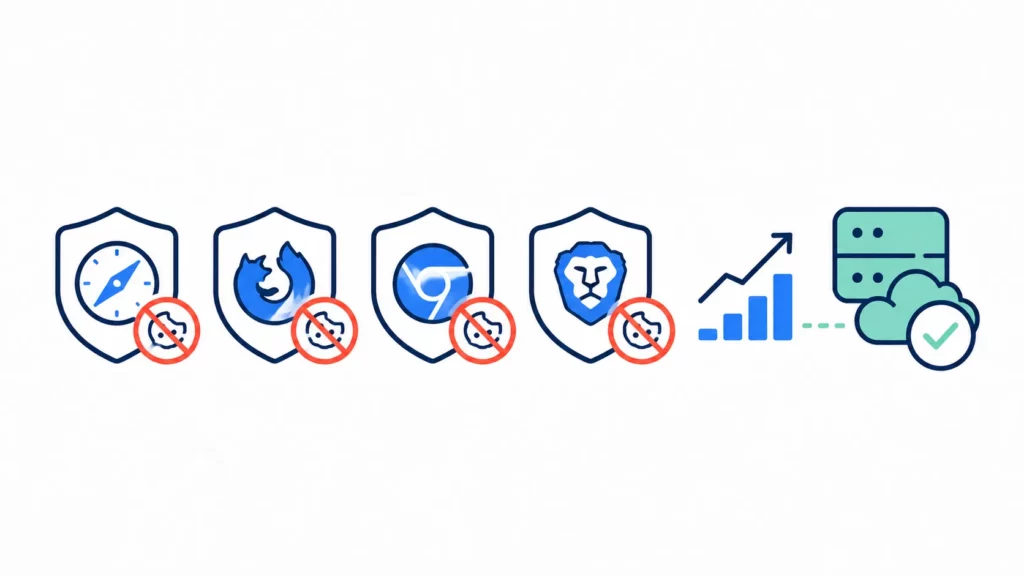
Affiliate tracking on Shopify is harder in 2026 than it was even a year ago, and the shifts are coming from several directions at once.
On the browser side, Safari and Firefox now block third-party cookies by default. Chrome’s new opt-out prompt gives users an explicit choice for the first time, and early data suggests most will say no.
Meanwhile, ad blocker use continues to grow, and consent rules have tightened as well. Stores selling to the EU or California must handle consent settings correctly or risk losing tracking data across all channels.
On the platform side, Shopify’s checkout migration may be the most pressing change. Plus stores have already moved, and non-Plus stores face an August 2026 deadline for their post-purchase pages.
Apps that still rely on old checkout scripts will stop working after that cutoff. Confirming your affiliate app supports the new format should be a priority.
Accelerated checkouts like Shop Pay are also becoming the default for more stores. Webhook-based tracking is no longer a nice-to-have — it is the baseline.
The broader industry response is server-side tracking, which runs on the server rather than in the browser. It is not yet common for most Shopify stores, but the direction is clear.
Frequently Asked Questions
My affiliate says they sent traffic but no sales tracked. What is the problem?
Three common causes: the affiliate may be sharing a wrong or outdated link, the customer’s browser could be blocking cookies, or the customer used a different device to buy. Testing the exact link in an incognito window can isolate the problem.
Why does affiliate tracking work intermittently?
Intermittent tracking usually means the issue is browser-specific. Sales may track in Chrome but fail in Safari, or work without an ad blocker but break when one is active. Testing across browsers can reveal the pattern.
Affiliate tracking was working and then suddenly stopped. Why?
Three likely causes: a Shopify update changed a permission the app needs, a new app created a conflict, or the app plan lapsed. Reinstalling the affiliate app should be the first step.
The affiliate commission amount is wrong. What should I check?
Check whether a product-level rate is replacing the default. Confirm whether the math uses the price before or after the discount. Gift cards or excluded items in the order could also lower the total.
Do these fixes work with any Shopify affiliate app?
Yes. About nine out of ten fixes here work with any app. Cookie issues, device switching, checkout redirects, and consent banners behave the same way no matter which app you use. Only the setting names may differ.
How often should I test affiliate tracking?
Monthly is a good cadence. Run the 5-minute self-test at the start of each month, and test again after any theme change, new app install, app update, or checkout setting change.
My affiliate disputes a commission decision. Who is right?
The app dashboard is usually the default record, as long as your agreement says so. If an affiliate shows proof of a click the app missed, look into the tracking issue and consider adding the credit by hand.
Does server-side tracking require a developer?
It depends on the method. Many affiliate apps handle this through Shopify’s built-in webhook system with no developer needed. A full custom setup would need technical help, but most stores will not require one.

Ellie Tran, a seasoned SEO content writer with three years of experience in the eCommerce world. Being a part of the UpPromote team, Ellie wants to assist Shopify merchants in achieving success through useful content & actionable insights.Ellie's commitment to learning never stops; she's always eager to gain more knowledge about SEO and content marketing to create valuable content for users. When she's not working on content, Ellie enjoys baking and exploring new places.

![How to Use Shopify Functions with Your Affiliate Program [2026 Guide]](https://static.uppromote.com/wp-content/uploads/2026/06/how-to-use-shopify-functions-with-affiliate-program-300x169.webp)

![How to Prevent Affiliate Fraud on Shopify: Self-Referral, Coupon Abuse & More [2026]](https://static.uppromote.com/wp-content/uploads/2026/06/how-to-prevent-affiliate-fraud-on-shopify-300x169.webp)