












TL;DR
Shopify Collabs works for beginners and small programs; move to a third-party app like UpPromote once you scale past basic commissions or 50 affiliates.
- Collabs rating: 4.0★, free to install
- Hidden cost: 2.9% fee on every commission payout
- Collabs limits: no tiered rates, no auto-discounts
- Third-party adds: tiered commissions, auto-discounts, more payout methods
- Switch trigger: 50+ affiliates, tiered rates, or subscription tracking
Shopify Collabs is Shopify’s own take on influencer and affiliate marketing: free to install, built into your admin, with a creator marketplace included.
It holds a solid 4.0★ rating across nearly 400 reviews. So why would any store pay for a third-party app instead?
Because “free” has limits. Collabs applies a 2.9% fee to every commission payout, and its commission options stay basic: no tiered rates, no automatic discounts, fewer integrations. For a store running a handful of creators, none of that matters.
Once you scale, those limits start to bite. Affiliate apps like UpPromote, rated 4.9★ across 3,437 reviews, close the gaps with tiered commissions, automatic discounts, and more payout methods.
They also charge their own fees, so neither option is truly free at scale.
The honest question isn’t which app is better. It’s which one fits your store’s stage right now. In this blog, we’ll compare both across the criteria that matter, shows when Collabs is enough, and explains when and how to switch.
What Is Shopify Collabs (And What Does It Do Well)?
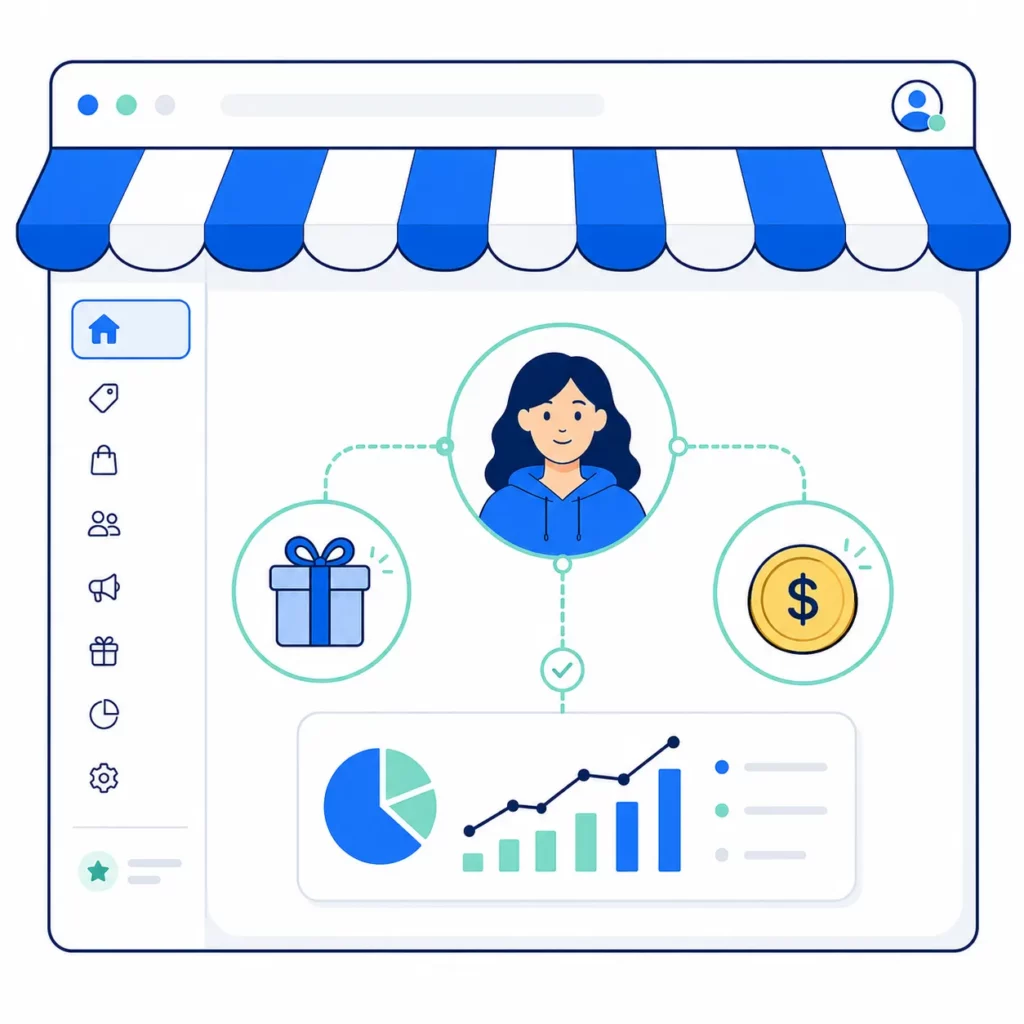
Shopify Collabs is Shopify’s free, native app for influencer and affiliate programs, built right into your store admin.
Formerly the standalone app Dovetale, it lets you recruit creators, send gifts, and track commissions without leaving Shopify.
For a store testing creator marketing for the first time, that native simplicity is the real draw.
As Collabs lives inside Shopify, your orders, products, and customer data sync on their own. There’s no second dashboard to learn and no separate login.
Commissions are tracked and paid through your regular Shopify bill, and gifts ship straight from your product catalog.
That same integration removes the hardest part of starting out: finding creators.
Collabs includes a discovery network where creators browse brands and apply to partner. You can run an open program for any eligible creator, or invite specific ones directly.
Those advantages would matter less if Collabs were expensive. But it’s free to install on standard Shopify plans, and you pay only a 2.9% fee on each commission payout.
Those strengths fit a specific stage rather than every store. Shopify Collabs works best when your program is small enough that ease matters more than control.
The clearest fits include:
- Brand-new stores testing whether creator marketing works at all
- Programs under 20 creators, where manual management stays easy
- Gifting-first campaigns that reward creators with product, not just cash
- Cost-sensitive merchants who want $0 monthly and accept the per-payout fee
Where Does Shopify Collabs Fall Short?
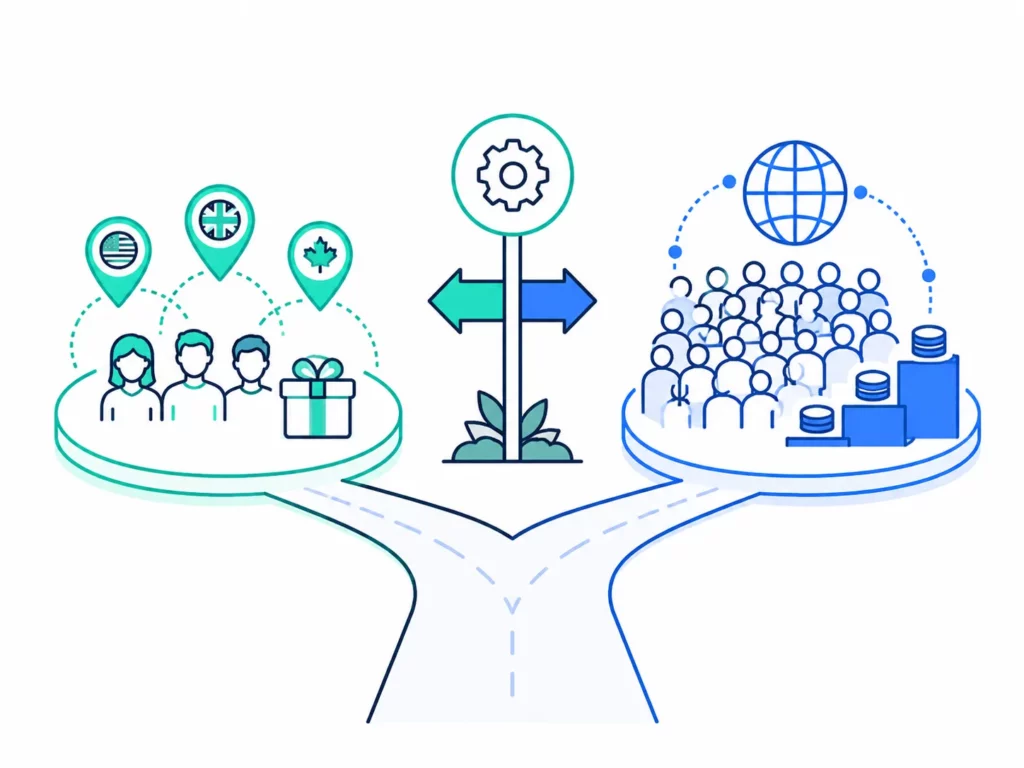
Shopify Collabs handles the basics well, so its weak spots aren’t about quality. They’re about cost and scope as a program grows.
The fee never disappears, the creator network covers only three countries, payouts run on Shopify’s schedule, and the toolkit is built for creators rather than full affiliate operations.
The fee is the most visible limit. It applies to every commission payout and never goes away, so it scales with your program rather than staying flat.
On a small program that’s pennies per sale, but on a large one it becomes a permanent cut that flat-fee apps don’t take.
Reach is the next constraint. The Collabs discovery network only lists creators from the United States, the United Kingdom, and Canada.
As a result, a brand selling into Europe or Asia can’t recruit local creators through it.
Payouts add their own friction. Commissions sit through a holding period, then pay out on Shopify’s twice-monthly billing cycle once a creator clears a $25 minimum.
In practice, some merchants report the timing slipping later than promised.
Finally, the deepest limit is scope. Collabs doesn’t support sub-affiliate or multi-level structures, and it’s built around creators rather than turning your own customers into referrers.
Those gaps show up in the reviews. Collabs holds a 4.0★ rating, but the split is wide.
Roughly half of reviewers give five stars, while about a quarter give one, well below the 4.7–4.9★ dedicated affiliate apps tend to hold.
How Do Shopify Collabs and Third-Party Apps Compare?
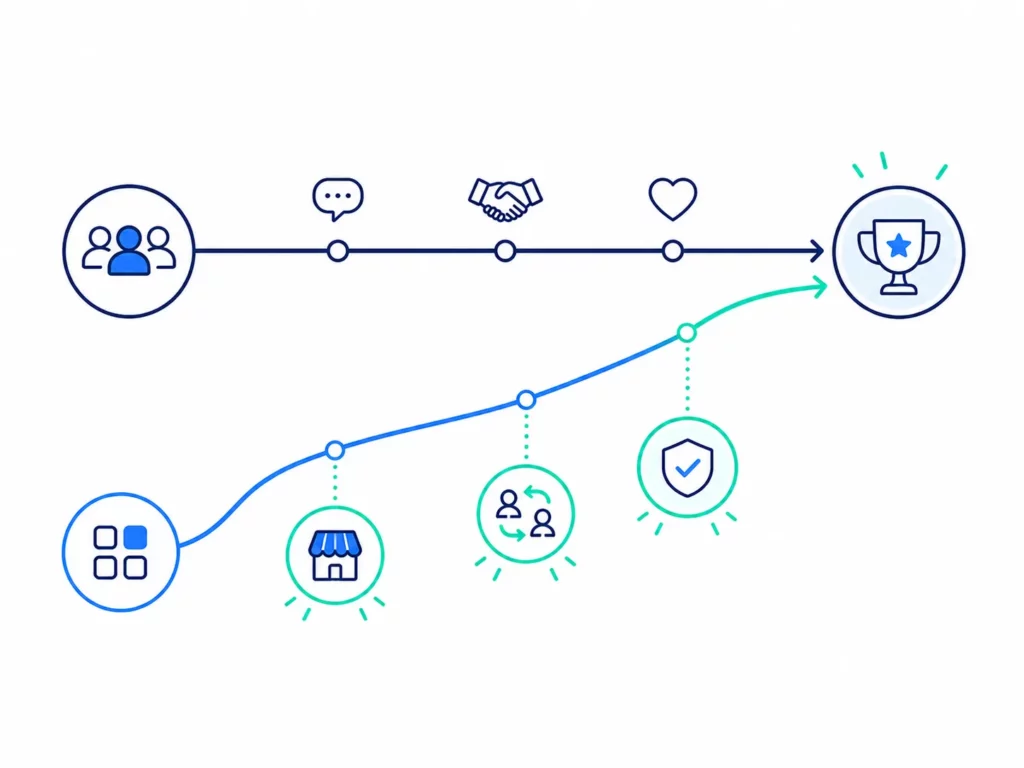
Compared head to head, the split is clean. Collabs wins on cost and native simplicity.
Third-party apps win on commission depth, program types, payout options, and creator reach beyond three countries.
The biggest surprise is cost. Because Collabs charges only a small fee on commissions, it’s usually cheaper than a paid third-party app, not more expensive.
Across the criteria that matter most, the two tools diverge like this:
| Criterion | Shopify Collabs | UpPromote (third-party example) |
| Monthly subscription | $0 | $0 free; $29.99–$199.99 paid |
| Variable fee | 2.9% of commission paid | 2%–1% of referral sales (by plan) |
| App Store rating | 4.0★ (~390 reviews) | 4.9★ (3,442 reviews) |
| Built for Shopify | No | Yes |
| Creator discovery | Network (US/UK/Canada creators) | Marketplace listing |
| Commission options | Standard rates + basic tiers | Order-value tiers, product-specific, new-customer, auto-tier |
| Discounts for affiliates | Discount codes | Codes + auto-applied discount via link |
| Fraud / risk tools | Risk flagging by Shopify | Fraud detection (free plan) |
| Product gifting | Yes | Yes |
| Affiliate payouts | Shopify bill, twice monthly | PayPal, Wise, store credit + auto-payout |
| Sub-affiliate / MLM | No | Yes |
| Customer referral program | No (creator-focused) | Yes |
Read down the table and a pattern emerges. Collabs covers the essentials of running creator partnerships, while third-party apps add the automation and program types that bigger operations lean on.
The cost row above hides a structural difference that decides the math. Collabs and a paid app don’t charge on the same base, so their fees aren’t comparable at face value.
Collabs takes 2.9% of the commissions you pay out, with no monthly subscription. A paid app like UpPromote Growth flips that: a fixed $29.99 a month, plus 2% of your referral sales.
That gap in base is what matters. As commissions are only a slice of each sale, Collabs’ fee lands at a small fraction of revenue, usually well under 1%. UpPromote’s 2% applies to every referral sale, on top of the monthly fee.
As a result, Collabs comes out cheaper on software in almost any realistic scenario, whatever commission rate you set.
The reason to switch, then, is never cost. You move to a paid app for what the spend buys: tiered automation, customer referrals, sub-affiliates, and payout options Collabs doesn’t offer.
When Should You Stay with Shopify Collabs?
Stay with Collabs when your needs are simple. Since it’s the cheaper tool, the question isn’t whether you can afford a third-party app, but whether you need one yet.
For a whole set of stores, the answer is no. Collabs already does what they need.
Collabs is the right call in these situations:
| Stay with Collabs if… | Why it fits |
| You’re testing creator marketing | Free, native, and live in minutes |
| Your program is small (under ~20 creators) | Manual management stays easy |
| You mainly gift products to influencers | Gifting runs natively through Shopify |
| Your commission setup is simple | Standard rates and basic tiers are built in |
| You want the lowest software cost | The 2.9%-on-commission fee beats paid plans |
| Your creators are in the US, UK, or Canada | The discovery network covers them |
These scenarios share a pattern: simple needs, small scale, and a heavy lean on gifting or discovery. None of them require the automation a dedicated app is built for.
There’s also a middle path. Some merchants use Collabs purely to find creators, then run the program itself in a dedicated app, with Collabs as the sourcing tool and the other app as the operational home.
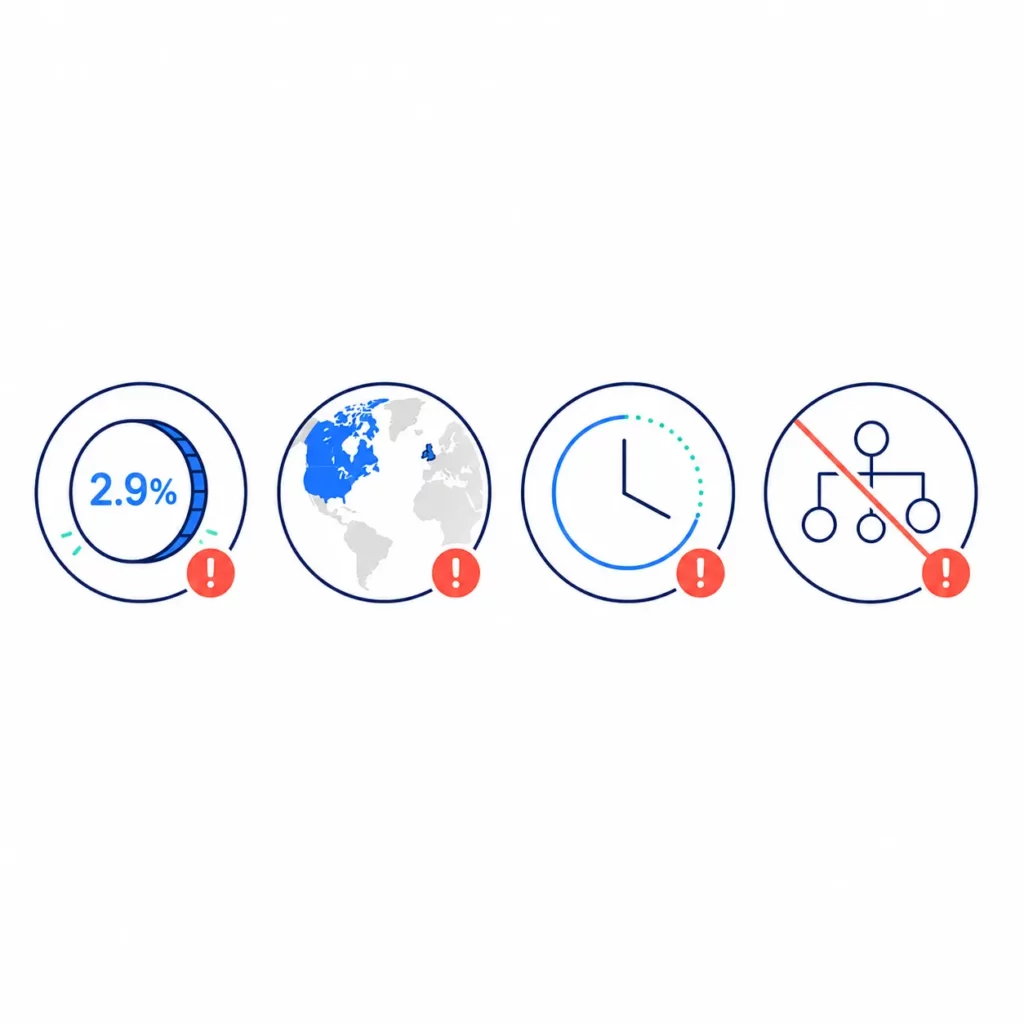
When Should You Switch to a Third-Party App?
Switch when you need a capability Collabs doesn’t have. Since Collabs is usually the cheaper tool, the trigger is never cost; it’s always a feature.
These are the needs that typically push merchants toward a dedicated app:
| Switch when you need… | What a dedicated app adds |
| To manage 50+ affiliates | Automation that replaces manual tracking |
| Advanced commission automation | Performance-based auto-tiers, product and new-customer rates |
| Creators outside the US, UK, or Canada | Open recruiting and a global marketplace |
| A customer referral program | A way to turn existing buyers into referrers |
| Sub-affiliates or multi-level recruiting | Affiliates who recruit and earn from their downline |
| Recurring commissions on subscriptions | Commission tracked on every renewal, not just the first order |
Commission automation is the most common trigger, and Altenew shows why. It runs 15–25% of their total revenue through a tiered commission system. Affiliates move up to higher rates as they hit sales milestones.
That kind of automated laddering is what a dedicated app is built for. It keeps a large program motivated without hands-on work every month.
Switching doesn’t mean starting over. You can export your affiliate list, import it, reissue tracking links, and point affiliates to a new dashboard.
Which Third-Party App Should You Consider?
There’s no single best third-party app. The right one depends on what you’re optimizing for: cost, automation, or reach.
Here’s how the most-used options compare on rating, price, and the job each does best:
| App | App Store rating | Starting price | Best for |
| UpPromote | 4.9★ (3,442) | Free; $29.99/mo + 2% of sales | All-in-one affiliate + referral, built-in marketplace |
| BixGrow | 4.9★ (~1,200) | Free; $14.99/mo flat | Lowest, predictable cost |
| ReferralCandy | 4.9★ (~1,450) | $39/mo + success fee | Referral-first programs |
| Social Snowball | 4.5★ (~186) | $249/mo + revenue % | Auto customer-to-affiliate conversion |
The clearest divide is the fee model. BixGrow charges a flat monthly fee, while the others add a percentage of referred sales on top of their subscription.
Flat-fee apps stay predictable as you scale. Percentage models cost more as your program grows. So your pick comes down to volume and the one feature you can’t run without.
What Changed in 2026?
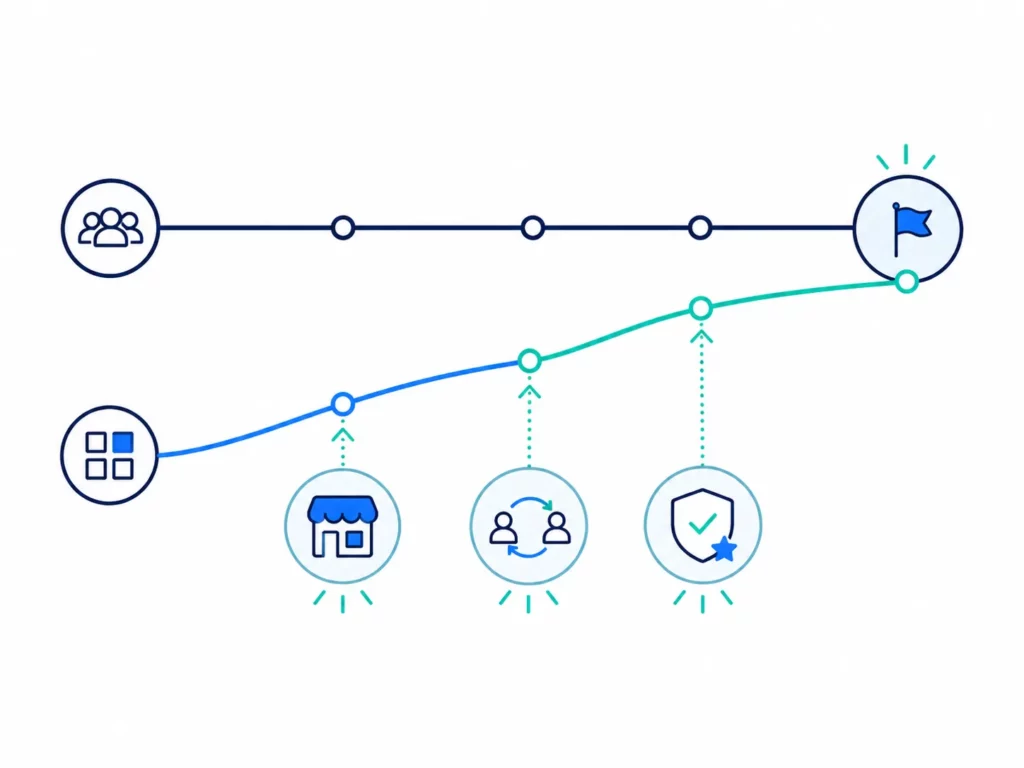
The 2026 story isn’t about Collabs slipping. It’s about third-party apps closing the gaps that once set Collabs apart.
Creator discovery used to be Collabs’ edge. Now dedicated apps run their own marketplaces, so finding affiliates no longer means staying native.
Referral and affiliate programs merged into one, too. Apps like UpPromote, BixGrow, and ReferralCandy now run both from a single dashboard, while Collabs stays creator-only.
The Built for Shopify badge points the same way. UpPromote and ReferralCandy now meet that standard. Collabs, as Shopify’s native app, doesn’t carry it.
Collabs itself held steady: still free, still a 2.9% fee on commissions, still creators in three countries. The decision didn’t change because Collabs changed. It changed because the alternatives did.
Frequently Asked Questions
- Is Shopify Collabs free?
It’s free to install on standard Shopify plans, with no monthly fee. The only cost is a 2.9% processing fee charged on each commission payout, not on total sales, so the real cost stays small on a modest program.
- Is Shopify Collabs cheaper than a third-party affiliate app?
Usually, yes. Collabs charges 2.9% only on the commission you pay out, while most paid apps charge a monthly fee plus a percentage of all referral sales. Cost is rarely a reason to switch away from Collabs.
- When should you switch from Shopify Collabs to a third-party app?
Switch when you need capabilities Collabs lacks: managing 50+ affiliates, advanced commission automation, a customer referral program, sub-affiliate recruiting, creators outside three countries, or recurring commissions on subscriptions. The trigger is a feature, not cost.
- Can Shopify Collabs recruit creators outside the US, UK, and Canada?
No. The Collabs discovery network currently lists only creators based in the United States, the United Kingdom, and Canada. Brands selling into other regions need a third-party app with open or global affiliate recruiting.
- Does switching affiliate apps mean starting over?
No. You export your affiliate list, import it into the new app, reissue tracking links, and point affiliates to their new dashboard. Affiliates keep earning through the change, and the move usually takes a day or two.
- Why does Shopify Collabs have mixed reviews?
Collabs holds a 4.0★ rating, with about half of reviewers giving five stars and a quarter giving one. Common complaints involve payout timing and limited features, while fans praise its free, native simplicity.

Ellie Tran, a seasoned SEO content writer with three years of experience in the eCommerce world. Being a part of the UpPromote team, Ellie wants to assist Shopify merchants in achieving success through useful content & actionable insights.Ellie's commitment to learning never stops; she's always eager to gain more knowledge about SEO and content marketing to create valuable content for users. When she's not working on content, Ellie enjoys baking and exploring new places.

![How to Use Shopify Functions with Your Affiliate Program [2026 Guide]](https://static.uppromote.com/wp-content/uploads/2026/06/how-to-use-shopify-functions-with-affiliate-program-300x169.webp)

![How to Prevent Affiliate Fraud on Shopify: Self-Referral, Coupon Abuse & More [2026]](https://static.uppromote.com/wp-content/uploads/2026/06/how-to-prevent-affiliate-fraud-on-shopify-300x169.webp)

![Affiliate Program Not Growing? 10 Common Mistakes Shopify Merchants Make [2026]](https://static.uppromote.com/wp-content/uploads/2026/06/affiliate-program-not-growing-300x169.webp)